5 Jan 2026
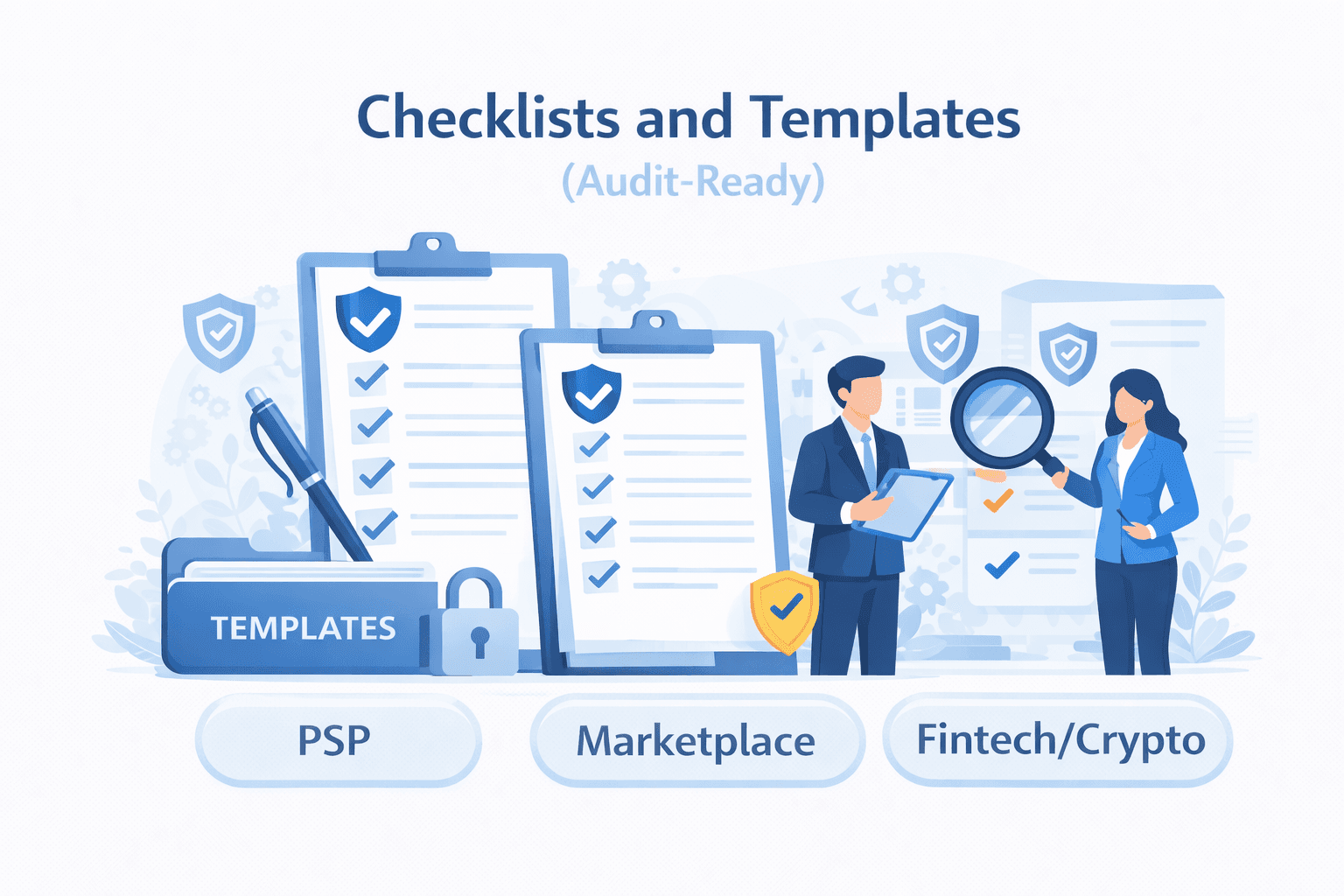
Module 6 — Checklists and Templates (Audit-Ready)
Print-ready employee checklists: daily safety checklist, escalation template, and evidence pack checklist.
Module 6 — Checklists and Templates (Audit-Ready)
Goal of this module
After this module, you should be able to:
- Use standardized checklists to reduce mistakes and speed up sanctions handling.
- Create an audit-ready evidence pack that enables fast decisioning by Compliance.
- Document sanctions alerts in a consistent way that stands up to internal/external audit.
- Apply ready-to-copy templates for: escalation, case notes, customer comms, and decision records.
How to use these materials
- Use the checklists as operational “runbooks.”
- Copy templates into your ticket/case tool.
- If an item is not available, write “Not available” (never leave it ambiguous).
- Always follow your internal policy for what can be disclosed to customers.
1) The audit-ready standard (what auditors look for)
Auditors generally expect you to prove:
- What happened (alert trigger, parties, transaction, geography).
- What you did (holds/blocks, who was notified).
- Who decided (authority, approvals).
- Why (rationale tied to policy/regulation).
- Whether it worked (prevented prohibited activity).
- What improved after (tuning, training, remediation).
Minimum rule: If it isn’t documented in the system of record, it didn’t happen.
2) Global checklist: Stop → Escalate → Document (SED)
A. STOP checklist (contain risk immediately)
Use when you have a sanctions signal (screening alert, geo restriction, evasion pattern).
- Apply the correct operational action (per procedure): hold/pause onboarding, payout, refund, transfer, shipment, or account action
- Prevent retries/workarounds (disable repeated attempts if possible)
- Preserve evidence (screenshots/log references, document versions)
- Record timestamp of the stop action
- Create/attach a case ID (or ticket reference)
Notes
- “Stop” is usually reversible if cleared. It is your safety buffer.
B. ESCALATE checklist (decision-ready package)
- Create case/ticket in the approved channel
- Include alert trigger details (source + reason)
- Provide party identifiers (name variants, DOB, nationality, address, IDs)
- Provide entity ownership/control data (UBO, directors, structure) where available
- Provide transaction/order/shipment context (amount, corridor, purpose, goods/services)
- Provide geography signals (shipping/billing, bank country, IP/device where relevant)
- Provide relevant history (prior alerts, beneficiary changes, retry patterns)
- State what is missing and what you need (explicitly)
C. DOCUMENT checklist (audit trail completeness)
- What triggered the alert (screening/rule/geo policy)
- What was stopped (exact action + system)
- Who was notified (team/channel) + time
- Evidence attached (files/log links)
- Decision outcome once known (clear/reject/block)
- Decision owner/approver (name/role) + timestamp
- Follow-up actions (release, lookback, tuning, customer messaging reference)
- Closure summary (1–3 sentences, factual)
3) Screening checklist (Onboarding + Transaction)
A. Onboarding screening checklist (KYC/KYB)
For individuals:
- Legal name (all name parts)
- Aliases / alternative spellings (if known)
- DOB / place of birth
- Nationality / residence
- Address
- ID document number/type (if collected)
- Role (customer, UBO, director, signatory)
For entities:
- Legal name + trading names
- Registration number + country of incorporation
- Address(es)
- Directors/signatories
- UBOs + ownership percentages
- Business activity description (what they sell/do)
- Expected geographies/corridors
Do not proceed if key identifiers are missing and your policy requires them for the risk level.
B. Transaction screening checklist (payments + payouts)
- Originator/payer screening (if data available)
- Beneficiary/payee screening (if data available)
- Merchant/seller screening (where applicable)
- Beneficiary bank country and corridor review (where applicable)
- Shipping destination check (marketplaces/logistics)
- Purpose/goods/services category review (MCC/SKU/description)
- Retry patterns and beneficiary changes review
Key idea: screen the chain and assess context, not only the account holder.
4) Country/Region controls checklist (geo + routing)
Use when risk is about destination/routing, not a name match.
- Country/region of customer/merchant/seller
- Shipping destination (including restricted regions)
- Billing country vs shipping country mismatch review
- Bank account country for payouts
- Intermediary bank details (if present)
- Evidence of rerouting/transshipment attempts
- Digital delivery signals (IP/device access location where relevant)
Escalate if:
- destination is restricted,
- routing appears designed to obscure end destination,
- customer requests “workarounds.”
5) Evasion-pattern checklist (behavioral red flags)
Use when you suspect a user is trying to bypass controls.
- Multiple failed attempts followed by successful attempt via another rail
- Frequent beneficiary changes before execution
- Multiple accounts with shared identifiers (emails/devices/bank accounts) where allowed to detect
- Requests for workarounds (“Can we use someone else’s account/name?”)
- Sudden spikes in activity inconsistent with profile
- Unclear third-party payments (payer ≠ account holder)
Action: Stop + escalate with timeline + evidence of pattern.
Templates (copy/paste)
Template 1 — Escalation Intake (Sanctions Case Submission)
Use this template to open a case in your ticketing/case tool.
Case type: Sanctions escalation (Stop applied)
1) Alert trigger
- Trigger source: (Onboarding screening / Transaction screening / Geo restriction / Evasion pattern)
- List/source matched (if applicable): (EU / OFAC / UN / UK / Other)
- Matched record name:
- Match score/confidence + matched fields:
- Date/time alert generated:
2) Activity stopped
- What was stopped: (onboarding activation / payout / transfer / refund / shipment / account action)
- System/action ID(s):
- Hold applied at (timestamp):
- Current status: (Held / Blocked / Pending)
3) Parties involved
- Primary party (customer/merchant/seller):
- Name:
- Type: (Individual/Entity)
- Country (residence/incorporation):
- Identifiers available: (DOB, nationality, address, ID, reg number)
- Counterparty / beneficiary / consignee (if applicable):
- Name:
- Country:
- Bank details / shipping details:
4) Transaction/order/shipment context
- Amount/currency:
- Corridor (origin → destination):
- Purpose/description:
- Goods/services category (MCC/SKU/HS code if known):
- Key timestamps:
5) Risk signals / red flags observed
- (Bullet list)
6) Missing information
- (List what is missing and why it matters)
7) Attachments / evidence
- Screening output:
- KYB/KYC docs:
- Transaction logs:
- Shipping docs:
- Communications/support excerpts:
Requested decision
- (Clear / Reject / Block / Further information required)
Template 2 — Case Notes (Operational Log Entry)
Use for your internal notes while the case is open.
Case Notes — [Case ID]
- Date/time:
- Action taken:
- System reference IDs:
- Reason (factual):
- Evidence added/removed:
- Person/team notified:
- Next step / pending decision:
Template 3 — Decision Record (Compliance Outcome)
Use to document final decision (Compliance-owned fields can be filled by Compliance).
Decision Record — [Case ID]
- Decision: (Clear / Reject / Block / Freeze / Close as false positive / Other)
- Decision owner/approver:
- Date/time decision made:
- Decision rationale (tie to policy):
- Key identifiers confirming/mismatching:
- Sanctions type involved: (list-based / geo / sectoral / secondary risk)
- Why this is (not) a true hit:
- Operational actions required:
- Release hold? (Yes/No)
- Permanent restrictions? (Yes/No)
- Lookback required? (Yes/No; scope)
- Customer communication permitted? (Yes/No; approved wording reference)
- Follow-up actions:
- Tuning/rules update? (Yes/No)
- Training reminder? (Yes/No)
- Vendor issue? (Yes/No)
Template 4 — Customer Communication (Neutral, non-accusatory)
Use only if your policy allows customer messaging at this stage.
Option A — Short “Your request is currently under compliance review. We will update you as soon as possible.”
Option B — Request for information “To complete our compliance review, please provide the following information: [list]. Once received, we will continue processing.”
Option C — Decline (high level) “We’re unable to process this request due to regulatory requirements.”
Do not say
- “You are sanctioned.”
- “We matched you to a watchlist.” (Unless explicitly allowed by policy.)
- “Try a different name/account.”
Template 5 — Evidence Pack Index (what to attach)
Use this as a table of contents for attachments.
Evidence Pack — [Case ID]
- Screening output (source, matched record, score)
- KYC/KYB documents (IDs, registry extracts)
- Ownership/control documentation (UBO evidence)
- Transaction/order/shipment details (IDs, timestamps, amounts)
- Geography evidence (shipping/billing/bank country/IP signals if allowed)
- Communications excerpts (support tickets, emails)
- Prior alert history (if any)
- Final decision record
Template 6 — Lookback Request (Post-Decision)
Use when Compliance requests historical review of related activity.
Lookback Request — [Case ID]
- Trigger: (True hit / potential exposure / partner request / audit)
- Scope:
- Date range:
- Accounts/entities involved:
- Transaction types:
- Corridors/geographies:
- Output required:
- List of impacted transactions:
- Total values:
- Actions taken (holds/blocks/refunds):
- Any customer communications:
- Owner:
- Due date:
- Storage location for results:
Template 7 — Control Tuning Proposal (Reduce noise safely)
Use when proposing changes to thresholds/rules/lists.
Control Tuning Proposal
- Current issue: (false positives volume / false negatives / new pattern)
- Evidence: (samples, metrics, screenshots)
- Proposed change:
- rule/threshold/list update:
- expected effect:
- Risk assessment:
- risk of increasing false negatives:
- mitigations (QA sampling, phased rollout):
- Approval required from:
- Implementation plan:
- Post-change monitoring plan:
Quick reference: “Audit-ready” means these 7 questions can be answered
- What triggered the case?
- What did we stop, and when?
- Who was involved (with identifiers)?
- What was the activity context (amount, corridor, goods/services)?
- Who decided, and why?
- What action was taken (release/reject/block) and when?
- What did we do to prevent recurrence (lookback/tuning/training)?
Knowledge check (5 questions)
- If you cannot find a field (e.g., DOB), you should leave it blank to save time. True or false?
- A good escalation includes both the match output and the transaction/shipping context. True or false?
- “Stop” actions must be time-stamped and linked to a case ID. True or false?
- Customer communications should avoid naming sanctions lists unless policy allows it. True or false?
- Control tuning should consider false negatives risk, not only reducing false positives. True or false?
Answers
- False. Write “Not available” so it’s explicit and auditable.
- True. Context often determines whether restrictions apply.
- True. Auditors expect traceability and a system of record.
- True. Disclosures can be sensitive and policy-driven.
- True. Efficiency improvements must not reduce effectiveness.
Next, learn how to triage alerts quickly: which identifiers matter most, how to resolve common false positives, and when to treat a case as high severity.
Related reading
Module 5 — Industry Scenarios (PSP, Marketplace, Fintech/Crypto, Freight Forwarder)
Practical scenarios with red flags, correct actions, and evidence pack requirements for high-risk industries.
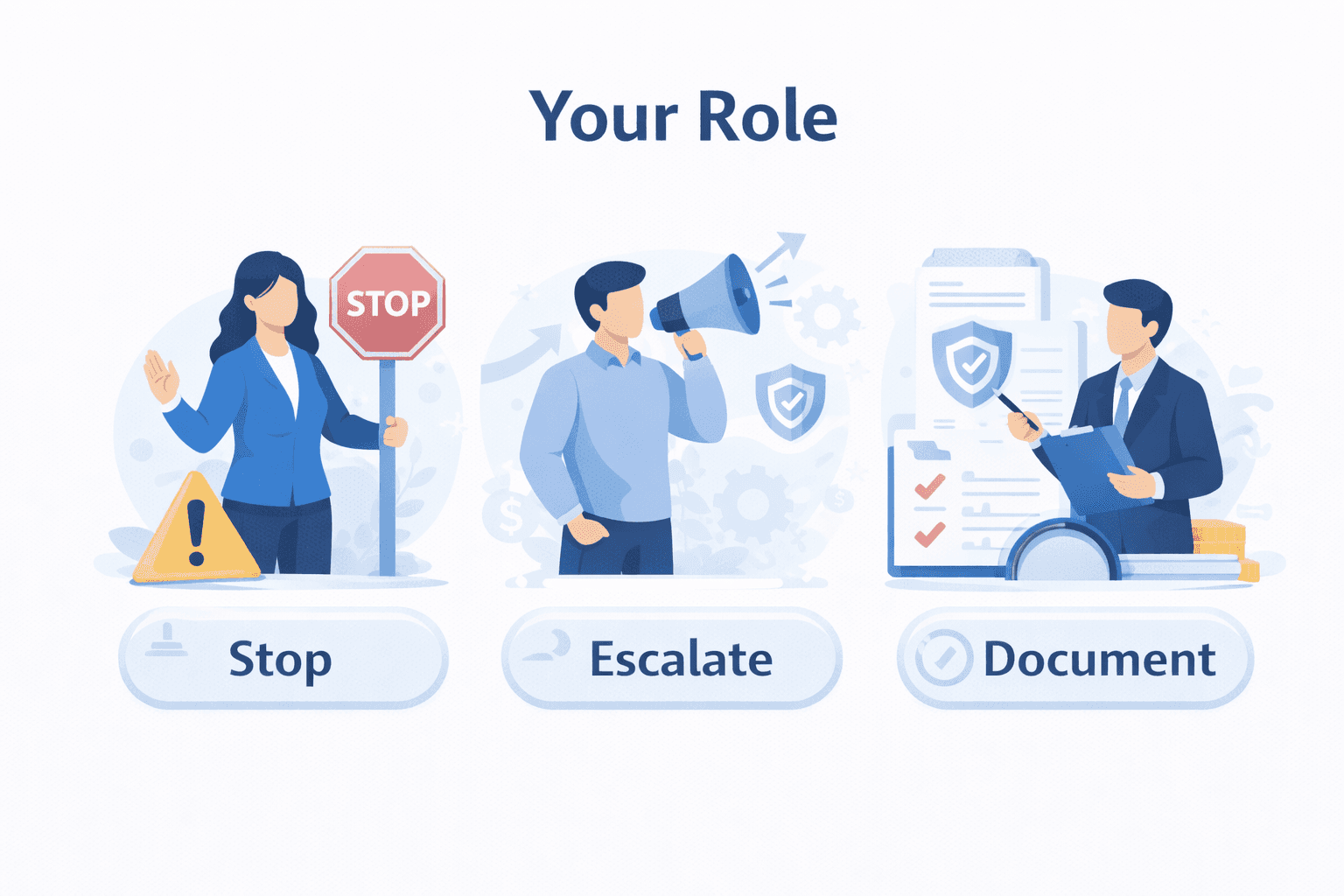
Module 4 — Your Role (Stop, Escalate, Document)
Clear employee responsibilities, escalation triggers, and a simple escalation template.