Security Questionnaire Software: What SaaS Vendors Should Look For Before Choosing a Tool | MatchAudit Learn
Security Questionnaire Software: What SaaS Vendors Should Look For Before Choosing a Tool
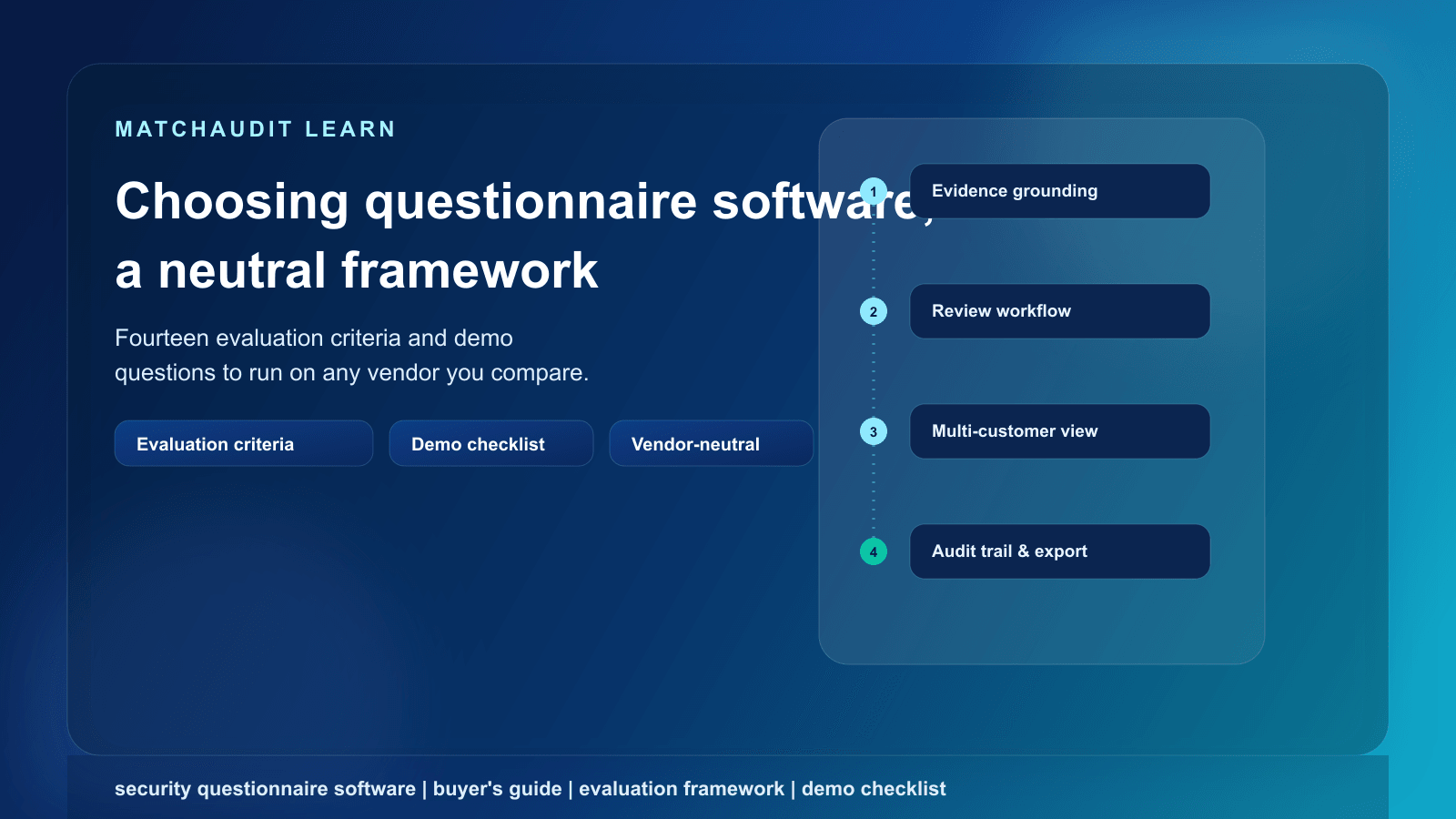
A neutral, criterion-by-criterion evaluation framework for choosing security questionnaire software — plus a demo checklist and blank scoring rubric you can apply to any vendor you're comparing.
•14 min read
Last reviewed: 30 September 2026. This article describes common industry practice; it is not legal advice, and requirements vary by customer, industry, and jurisdiction.
Quick answer
Security questionnaire software helps a vendor respond to customer security, privacy, and risk questionnaires by storing approved answers and evidence, drafting responses to new questions, and tracking what's outstanding. The category is crowded, and most published "best tools" lists rank products rather than teach you how to evaluate one yourself. Before comparing brand names, judge any candidate against a fixed set of criteria: how it ingests a questionnaire, whether answers are grounded in real evidence or just freeform text, whether it surfaces gaps rather than only completed fields, whether every answer traces back to a document and an approver, whether a human must approve before anything goes out, and whether it can track different requirements per customer over time — not just a one-size-fits-all answer library. This article gives you that framework, a demo question for each criterion, and a blank scoring rubric to fill in yourself.
The problem with most "best security questionnaire software" content
Search for "security questionnaire software" and almost everything that ranks is a vendor-authored comparison list: one company's blog ranking itself first, followed by four or five competitors, usually with claims like "cuts response time from days to hours" attached to no methodology you can check. That's a reasonable way to build a shortlist of names, but it doesn't help you tell the tools apart once you're in a demo, or distinguish marketing from what's load-bearing for your actual workflow.
This article intentionally does not rank named products. Instead, it gives you the criteria a compliance-literate buyer should apply to any tool in this category, plus the specific questions to ask during a demo so a sales rep's answer either holds up or doesn't. Use it alongside whatever shortlist you've already built.
If a "best of" list you're reading doesn't disclose how it built its rankings, or is published by one of the vendors on the list, treat it as a lead-generation asset, not an independent evaluation. That's not a criticism of the practice — it's normal for the category — but it means the comparison work described here still has to happen on your side.
What this software category actually does
At a functional level, most security questionnaire software tries to solve the same problem: a vendor receives a spreadsheet, PDF, or web-portal form full of security, privacy, and operational questions from a prospective or existing customer, and needs to answer it accurately, quickly, and with less duplicated effort than starting from a blank page every time.
The tools in this space typically combine some subset of:
A place to store your security policies, certificates, and prior answers ("the knowledge base" or "answer library")
A way to upload or connect an incoming questionnaire and split it into individual questions
AI or search-based matching of new questions to existing answers or source content
A drafting step that proposes an answer, sometimes with a citation back to a source document
A review or approval workflow before the response is finalized
An export or submission step back into the customer's format
Where tools genuinely differ is in the details underneath each step — whether "matching" is grounded in something checkable, whether "approval" is a real gate or a formality, and whether the tool assumes one generic questionnaire or many ongoing customer relationships. That's what the framework below is designed to expose.
The evaluation framework: 14 criteria
Use this table as a working document. For each row, ask the vendor the listed question during a live demo — ideally with your own sample questionnaire and your own evidence documents, not their canned demo data.
#
Criterion
Why it matters
Question to ask during a demo
1
Questionnaire ingestion
If the tool only accepts one format (e.g., a specific spreadsheet template), you'll hit a wall the first time a customer sends a PDF, a web portal, or a proprietary format like a bank's or auditor's own system
"Upload this exact questionnaire I received last month — not a template — and show me what happens."
2
Answer reuse
The core time-saving promise of this category depends on not re-answering the same question from scratch for every customer
"Show me an answer that was approved for one customer being suggested again for a different customer's questionnaire."
3
Evidence grounding
An answer that's just typed text with no link to a real document is a liability if a customer or auditor asks "prove it"
"Click into this answer — does it show me the actual source document and excerpt, or just free text?"
4
Gap identification
A tool that only shows completed fields hides the more important information: what's not answered or not supported by current evidence
"Show me a view of what's missing or unsupported for a specific customer, not just what's filled in."
5
Source traceability / audit trail
If a customer disputes an answer eight months later, you need to show what it was based on and who approved it, not just that a field is filled
"Pull up an answer from several months ago — who approved it, when, and against what version of the source document?"
6
Review and approval workflow
Tools that auto-submit or treat AI drafts as final introduce accountability risk; a distinct human sign-off step should exist and be enforced, not optional
"Can a draft go out to a customer without anyone clicking 'approve'? Show me, don't just tell me."
7
Multi-customer management
A single generic answer library breaks down once two customers have genuinely different requirements or definitions for the same topic
"Show me two different customer records with different requirements tracked separately, not one shared list."
8
Document freshness / expiry tracking
Certificates lapse, policies get superseded, and an answer linked to an expired document is worse than no answer
"Does the tool flag a document as expired or due for renewal, or is that tracked manually outside the tool?"
9
Customer-specific requirements
Some customers require annual reassessment, others want a specific control framework referenced, others have unique disclosure requirements — the tool should hold that per relationship
"Can you set that Customer A always requires X while Customer B requires Y, and have the tool remember that?"
10
Ongoing / recurring requirements
Onboarding is a one-time event; most customer relationships involve annual or triggered reassessment afterward
"What happens a year from now when this same customer sends a renewal questionnaire — does anything carry forward?"
11
Integrations
A tool that can't connect to where your evidence, tickets, or GRC records already live creates a second system to maintain
"What does it actually connect to today — not on your roadmap — and what does that connection do?"
12
Exports
You'll frequently need to hand a clean, shareable output to a customer, auditor, or your own sales team
"Export this completed questionnaire right now — what format comes out, and is it something I'd be comfortable sending?"
13
Permissions / role-based access
Not everyone on your team should be able to approve a customer-facing answer, and not everyone needs edit access to source evidence
"Show me the difference between what a viewer, an editor, and an approver can each do."
14
Audit trail of user actions
Beyond the answer's own history, you may need to show who accessed or changed what, for your own internal governance
"If I needed to show who touched this record in the last quarter, could you produce that today?"
Criteria that are easy to overlook in a demo
A few of the rows above are easy to nod along to in a sales demo and only discover are missing once you're a paying customer. Worth slowing down on:
Evidence grounding vs. freeform drafting. Many tools describe their AI as producing answers "based on your knowledge base." In practice, that can mean anything from "retrieves and cites the exact source paragraph" to "was trained on your documents at some point and now generates plausible-sounding text." Ask specifically whether a generated answer links to a retrievable source excerpt you can click into, or whether it's a paraphrase with no checkable link back to a document.
Gap identification, not just completion tracking. A progress bar showing "80% of questions answered" tells you almost nothing about risk. What matters is which 20% is unanswered, whether the 80% is backed by current (not expired) evidence, and whether that view is organized per customer rather than as one undifferentiated queue.
Multi-customer vs. single-library thinking. Some tools are architected around one shared answer library with no real concept of "Customer A's outstanding items" as distinct from "Customer B's." If you're managing several active customer relationships concurrently — the normal state for most growing SaaS vendors — a tool without per-customer tracking will force you back into spreadsheets to see what's actually blocking each deal.
Recurring reassessment. Onboarding-focused demos rarely show what happens on renewal. Ask what the tool does, concretely, when the same customer sends a follow-up or annual questionnaire — does anything carry forward, or does it start over.
Red flags to watch for during a demo
"Fully automated" or "no review needed" language. A tool that markets zero-touch submission as a feature is asking you to accept accountability risk for speed.
Demo only ever uses the vendor's own sample data. If a sales rep resists uploading your real questionnaire or evidence, the ingestion or matching quality may not hold up outside a curated demo.
Unverifiable time-savings or accuracy statistics with no disclosed methodology. Ask how the number was calculated before repeating it internally.
No visible approval gate between an AI-drafted answer and something that could be sent to a customer.
"Works with every provider/framework" claims with no specifics on which formats or portals were actually tested.
Blank scoring rubric
Copy this into a spreadsheet and score each tool you evaluate from 1 (does not meet the need) to 5 (fully meets the need) against your own requirements — not against a competitor.
Criterion
Weight (1–3, set by you)
Tool A score
Tool B score
Tool C score
Notes
Questionnaire ingestion
Answer reuse
Evidence grounding
Gap identification
Source traceability / audit trail
Review and approval workflow
Multi-customer management
Document freshness tracking
Customer-specific requirements
Ongoing / recurring requirements
Integrations
Exports
Permissions / role-based access
Audit trail of user actions
Weight the rows that matter most to your business before scoring — a two-person startup answering its first questionnaire and a company managing thirty concurrent enterprise relationships will reasonably weight "multi-customer management" and "recurring requirements" very differently.
How to run the evaluation in practice
Pick one real questionnaire and one real set of evidence documents — ideally one you've already answered manually — and use the same pair across every demo, rather than each vendor's curated example.
Ask the 14 demo questions above in the same order every time, and write down the actual answer (or that it couldn't be shown live), not the sales rep's paraphrase.
Have the person who will actually use the tool day-to-day in the room — usability gaps that don't show up in a scripted demo often show up immediately to whoever does the work.
Ask what happens at renewal, not just at onboarding — most of the ongoing value or pain in this category shows up on the second and third questionnaire from the same customer.
Check the export before you sign — pull a completed questionnaire out of the tool and confirm it's something you'd be comfortable handing to a customer or auditor.
Where MatchAudit fits against this framework
In the interest of applying the same standard to ourselves: MatchAudit's Customer Assurance workspace is one option in this category, built for vendors managing multiple customer relationships rather than answering a single one-off questionnaire.
Against the criteria above: it lets a vendor upload a customer's questionnaire and get AI-extracted requirement candidates — field type, whether it's required, a source excerpt, and a confidence score — for a human to review and accept; this is AI-assisted extraction, not automatic autofill. Answers are built by linking approved, reusable facts or evidence documents as sources, with an AI-suggested draft that still requires human approval before use. Customer relationships are tracked as separate records, each with its own target-readiness view of what's missing, expired, or due for review — an explicitly preparatory view, not a live read of a specific customer's actual questionnaire. Approved responses export to JSON or CSV only after sign-off, and the workspace can connect with tools like Vanta, OneTrust, and ServiceNow that some vendors already use elsewhere in their stack — "can connect with," not a certified or exclusive integration claim.
What we won't claim: we don't have published accuracy or time-savings figures, we don't support every questionnaire format that exists, and we don't win every row in the table above by default — some criteria matter more or less depending on how many customer relationships you're juggling. Run the same demo checklist on us that you'd run on anyone else. Our pricing is public, you can start free, or talk to us about the customer relationships you're managing today.
Related reading
For the broader "hub" view of what security questionnaires are and how they're structured, see our guide to security questionnaires.
If your interest is specifically in the workflow side of speeding up responses — rather than which tool to buy — see security questionnaire automation.
For the full lifecycle a vendor goes through with a customer, from commercial agreement through recurring reassessment, see vendor onboarding.
FAQ
What is security questionnaire software?
It's software that helps a vendor respond to customer security, privacy, and risk questionnaires by storing approved answers and evidence, matching or drafting responses to new questions, tracking review and approval, and exporting a completed response. Tools in the category vary widely in how much of that is genuinely automated versus manually assisted.
Is security questionnaire software the same as GRC software?
No, though they overlap. GRC (governance, risk, and compliance) platforms typically manage your own internal control framework, risk register, and audits. Security questionnaire software focuses specifically on responding to other companies' questionnaires about you. Some GRC platforms include a questionnaire-response feature; some questionnaire-focused tools also offer lightweight GRC functionality.
Can these tools fully automate questionnaire responses without human review?
Some market that capability. Whether it's appropriate depends on your risk tolerance — an incorrect or unsupported answer sent to a customer without review can create more problems than the time it saves, particularly for questions involving legal interpretation, scope, or risk acceptance. A visible, enforced human-approval step before anything is sent is a reasonable baseline to require, not an optional nice-to-have.
How much does security questionnaire software typically cost?
Pricing varies by vendor, by the number of users and customer relationships you manage, and by which features (AI drafting, integrations, advanced workflow) are included. Treat any specific number you see in a comparison article as illustrative rather than current — ask each vendor directly for pricing against your own usage.
Do I need this software if I only get a few questionnaires a year?
Not necessarily. If you're answering one or two questionnaires a year with a small, stable set of evidence, a well-organized shared drive and a spreadsheet may be sufficient. The case for dedicated software strengthens as the number of concurrent customer relationships, the frequency of reassessment, and the size of your evidence set grow.
What's the single most important criterion if I can only check one thing?
There isn't a universal answer, but evidence grounding and the approval workflow are the two most consequential from an accountability standpoint — an answer with no traceable source, or one that can leave your organization without a human sign-off, is a risk regardless of how fast the tool is otherwise.
How is this different from a "best security questionnaire software" listicle?
Listicles rank named products, often written or sponsored by one of the vendors being ranked. This article gives you criteria and demo questions to apply yourself to any tool — named here or not — so the comparison reflects your own requirements rather than someone else's ranking methodology.