How to Automatically Screen Shopify Orders Against OFAC, EU and UK Sanctions Lists
Set up a B2B order-screening workflow in MatchAudit, select sources, hold pending orders and review findings before fulfillment.
4 min read

To automate Shopify OFAC screening, install a screening app, choose the applicable sources, configure order handling and test that screening completes before your warehouse dispatches. In MatchAudit, start with Screening sources & rules, enable the appropriate screening module for your plan, and review potential matches in the app. Keep a named reviewer responsible for unresolved cases and release decisions.
What gets checked on a B2B order?
Treat the buyer as a set of parties, not a single checkout name. An illustrative spare-parts order might involve a purchasing contact, a billing company and a separate recipient. Review the parties displayed in the screening record against the original order. Missing company information, an intermediary known only to sales, or an undisclosed owner cannot be fixed by name matching alone. Capture additional parties in your wider due-diligence process.
The matching process compares names and available identifying information against selected datasets. A possible match is a reason to investigate. A completed check without a match says something narrower: the supplied information did not trigger a review under that screening configuration.
1. Install and inspect the dashboard
Install MatchAudit from Shopify, select the intended store and review the requested permissions. Open the app in Shopify admin. Confirm the active plan, usage allowance and available screening controls before routing live orders through the process.
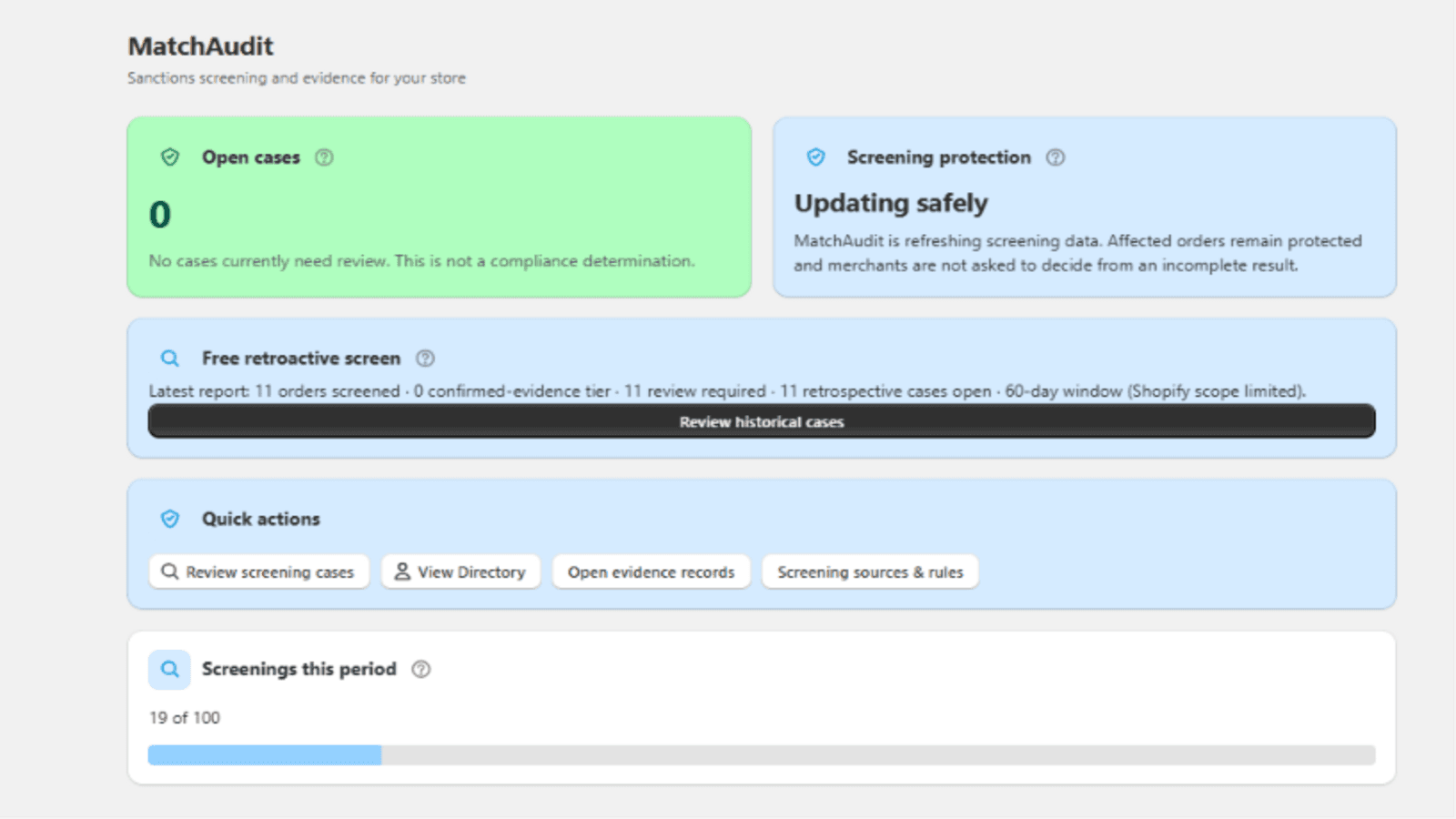
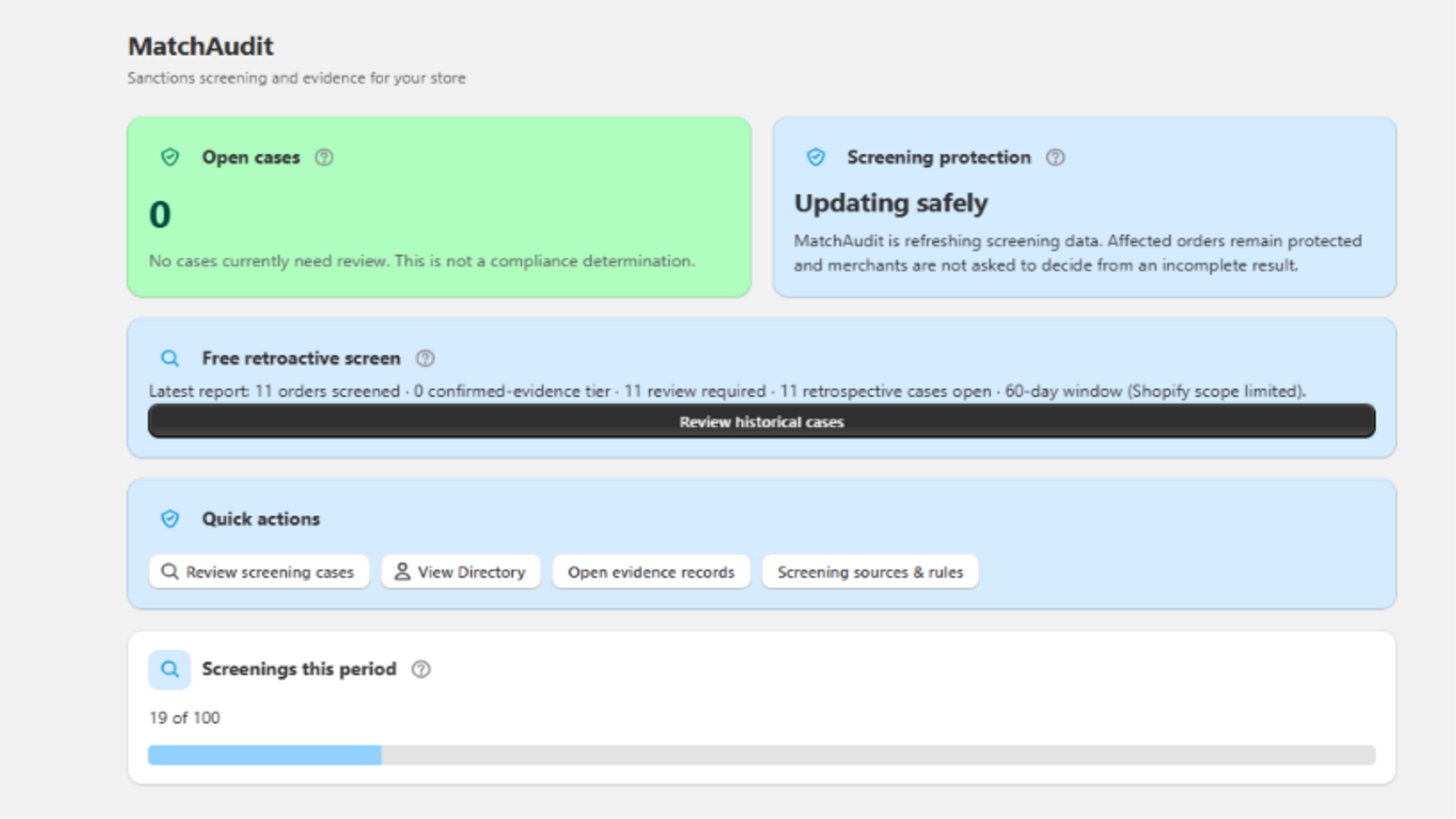
Open the full-size app screenshot.
The dashboard separates open cases from screening protection. That distinction matters: zero open cases does not by itself show that current data is available or that every new order has finished screening.
2. Select relevant sources and check availability
Open Screening sources & rules. Review the OFAC SDN and non-SDN options, EU coverage and UK coverage alongside any other sources your policy needs. Check the selected lists' availability. The app's settings identify unavailable sources; investigate that state instead of removing a required list merely to obtain a clear result.