How to Re-Screen Existing Shopify Customers and Orders When Sanctions Lists Change
Prioritize existing buyers, understand historical-access limits and use retrospective checks and directory monitoring to revisit risk.
4 min read

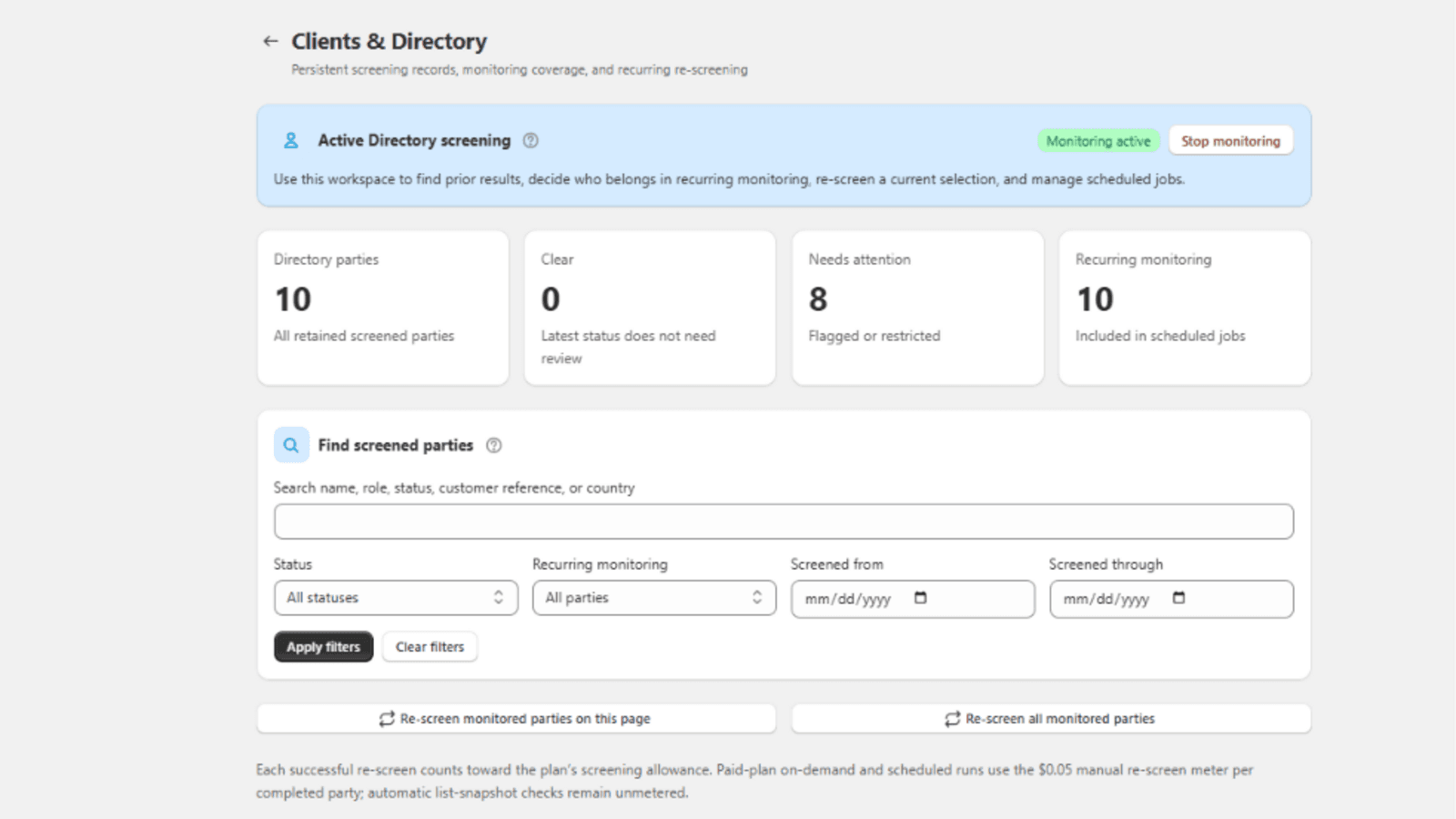
Use Shopify retroactive sanctions screening to revisit accessible historical orders, and directory screening to re-check parties already captured in your screening workflow. MatchAudit provides both. Start with open shipments and active wholesale buyers, verify the historical window and record which records were actually checked. A new result should be added to the history, not substituted for an earlier decision.
Why a cleared buyer may need another check
A business can change its name, delivery locations or ownership. Authorities can add designations, amend identifiers or remove entries. A six-month-old result therefore answers a different question from a check made before today's shipment. For a recurring B2B relationship, onboarding and pre-shipment review serve complementary purposes.
Imagine an illustrative industrial-parts wholesaler with 4,000 customer records. Only 350 buyers are active, 60 have unfulfilled orders and a handful have changed their receiving companies. Checking every record with equal urgency would use review capacity without first protecting the shipments that are about to leave.
Begin with commercial exposure, then widen the scope. Record why you chose that order so the exercise is repeatable rather than a one-off cleanup.
Prioritize the records that can change a decision
On small screens, scroll the table sideways to compare all columns.
| Priority | Records | What to do with a finding |
|---|---|---|
| First | Unfulfilled orders and imminent repeat shipments | Verify a fulfillment gate and investigate before dispatch |
| Next | Active customers, changed recipients and changed company details | Reassess the relationship and next transaction |
| Then | Historical fulfilled orders in the accessible window | Open a retrospective case; assess past and ongoing exposure |
| Policy-based | Dormant records | Apply a documented reactivation or periodic-review rule |
A retrospective alert does not establish that a past shipment was unlawful. You need to examine designation timing, the rule in force, the parties and the transaction. Equally, a new clear result does not erase the information available when an earlier decision was made.
Run a bounded historical review
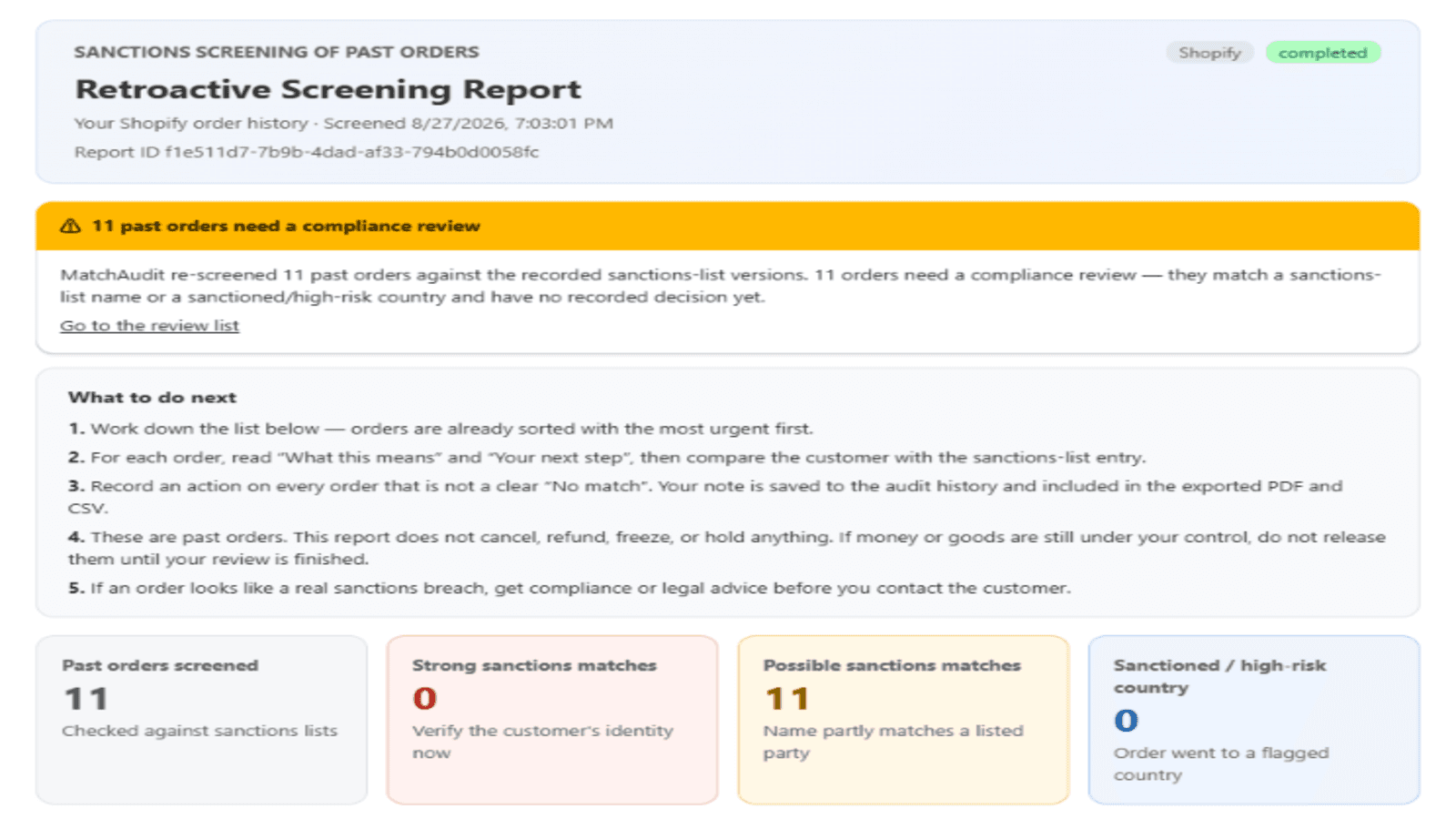
Open the dashboard's retroactive-screening workflow and inspect the available order window. The current public app listing identifies access to the last 60 days of order history. Do not assume that installing the app imports years of orders or automatically covers every customer in your store.