Vendor Onboarding: The Complete Guide for Suppliers Selling to Enterprise Customers | MatchAudit Learn
Vendor Onboarding: The Complete Guide for Suppliers Selling to Enterprise Customers
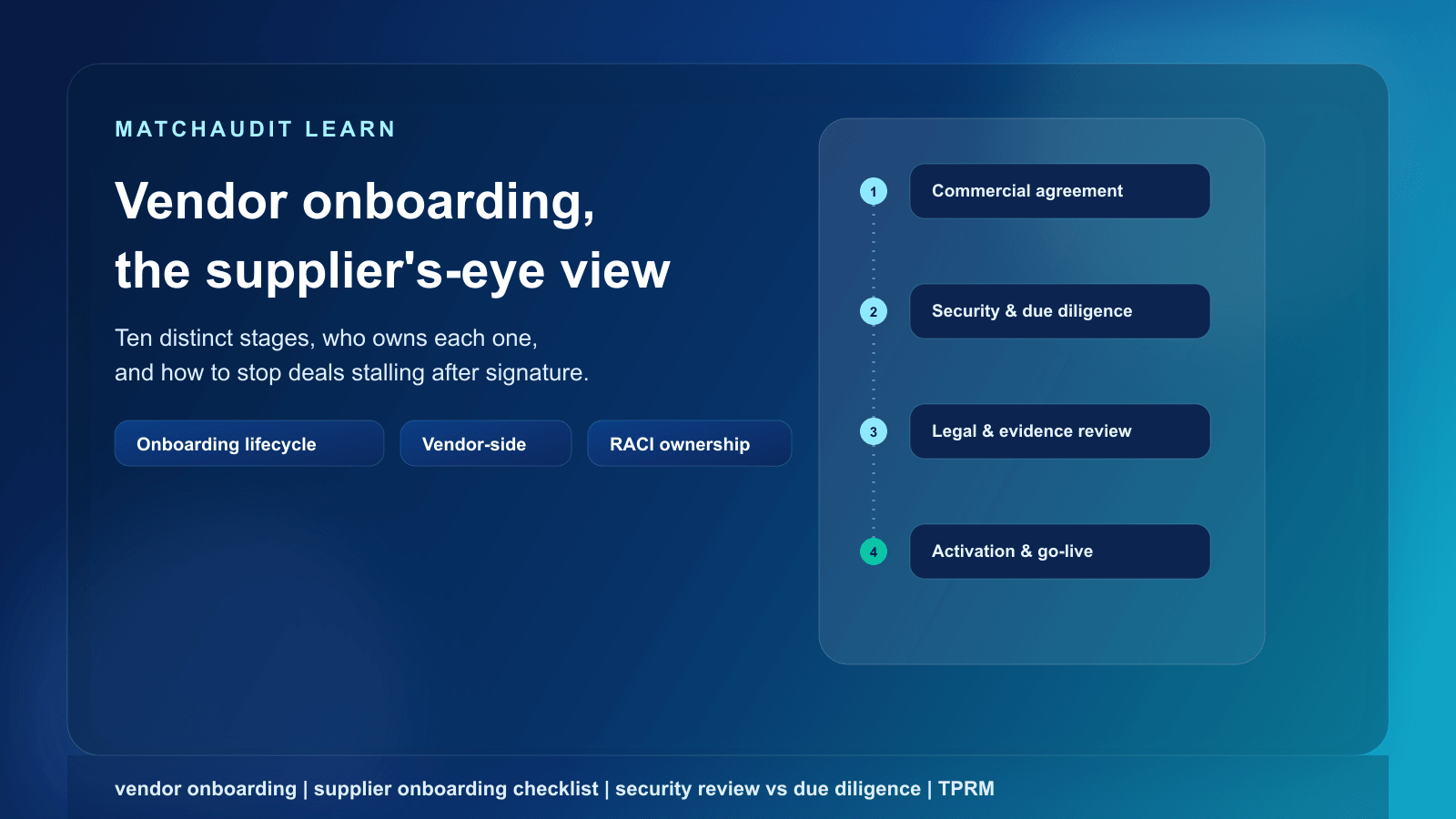
A supplier's-eye guide to vendor onboarding: the ten distinct stages customers actually run after a deal is signed, who owns each one on your side, and a readiness checklist for the next onboarding packet.
•17 min read
Last reviewed: 19 September 2026. This article describes common industry practice; it is not legal advice, and requirements vary by customer, industry, and jurisdiction.
Quick answer: Vendor onboarding, from a supplier's point of view, is not one process — it is a sequence of distinct customer-side processes (procurement setup, security review, third-party risk management, due diligence, legal review, evidence collection, approval, and activation) that can run in parallel, overlap, or block each other. Vendors who treat it as "one form to fill out" get stuck. Vendors who separate the stages, assign an internal owner to each one, and keep evidence reusable move through onboarding with far less back-and-forth. There is no fixed timeline: it can range from days to months depending on the customer's risk tier, industry, and internal governance process.
Why almost every "vendor onboarding" guide is written for the wrong audience
Search for "vendor onboarding process" and almost everything that ranks is written for the buyer: procurement and vendor-management teams trying to register a new supplier, collect a W-9 or tax form, assign a vendor ID in an ERP system, and set up banking details for payment. That content is accurate for its audience, but it describes the customer's internal record-keeping task, not what happens to you as the supplier once a deal is signed.
If you sell software or services into mid-market or enterprise accounts, "vendor onboarding" looks completely different from where you sit. You are not creating a vendor record — you are the vendor being assessed. The process that determines whether you get paid and get system access is a mix of procurement paperwork, a security review, a third-party risk assessment, deeper due diligence, legal negotiation, and a chain of internal approvals — usually run by several different teams at your customer who don't talk to each other and don't share a single timeline.
This guide is written from that side of the table: what actually happens after you win the deal, which stages are genuinely different from each other (even though customers and even your own sales team may use the words interchangeably), who tends to own each one, and what you need ready before the onboarding packet lands in your inbox.
What vendor onboarding actually is, from the supplier's side
For a supplier, vendor onboarding is the set of processes a customer runs, after a commercial agreement, to register you as a supplier, assess the risk you introduce, verify your legal and financial standing, finalize contract terms, and grant your product or service the access it needs to go live.
The commercial win and the operational relationship are not the same milestone. Your AE closing the deal answers one question: does the customer want to buy this? Onboarding answers several other questions, asked by different teams, on different timelines: can we pay this vendor, can we trust this vendor with our data and systems, are we contractually protected, and who is accountable if something goes wrong?
Depending on the customer's size, industry, and risk appetite, onboarding you might involve procurement, information security, a dedicated third-party risk (TPRM) function, legal/contracts, privacy, finance/accounts payable, and eventually the business sponsor who wanted to buy from you in the first place. A small customer might compress all of this into one person doing a quick review. A regulated enterprise — a bank, insurer, healthcare payer, or large PSP — may run each stage as a formally separate workflow with its own system, owner, and SLA.
The deal closing and the vendor being ready to go live are two different events, decided by two different groups of people.
The 10 distinct stages of vendor onboarding
These stages are commonly bundled together under the single label "onboarding," which is exactly what causes confusion. They are not the same activity, they are not always sequential, and they are frequently owned by different people on both sides. Treating them as one undifferentiated task is the single most common reason vendors lose track of what's actually blocking activation.
Stage
What it means
Who typically owns it at the customer
Who typically owns it at your company
Typical inputs vendors need to provide
1. Commercial agreement
The deal is verbally or contractually agreed; pricing, scope, and term are settled
Business sponsor / buyer
Sales / Account Executive
Proposal, pricing, statement of work
2. Procurement setup
The customer creates you as a supplier record: tax forms, banking details, a purchase order or vendor ID
Procurement / accounts payable
Finance / Sales ops
Tax ID (e.g. W-9/W-8BEN-E), banking details, company registration info
3. Security review
Assessment of your technical and organizational security controls, often a questionnaire, sometimes a pen-test summary request or architecture walkthrough
Periodic re-review (often annual) or a triggered re-review after a material change: new subprocessor, incident, ownership change, product change
TPRM or security team, on a recurring schedule
Whoever owns the original evidence and relationship
Updated evidence, renewed certificates, disclosure of material changes
Two things worth noting about this table. First, stage order is not fixed — some customers run security review and due diligence in parallel; others gate legal review behind a completed security review. Second, at smaller or less formal customers, several of these stages may be handled by the same one or two people in a single conversation. The stages still exist conceptually even when they are not run as separate workflows.
Why vendors conflate these stages — and what it costs them
It's easy to see why suppliers lump these together: from your side, it often looks like one long, occasionally confusing back-and-forth with "the customer." A single spreadsheet from a customer contact might mix procurement questions, security questions, and legal questions in one document. But conflating the stages causes real, avoidable delay:
Wrong owner, wrong turnaround time. If your AE tries to answer a security-architecture question because "it's all part of onboarding," the answer may be technically inaccurate, and the real security owner never sees the request until it's already been answered incorrectly.
False sense of progress. Completing the security questionnaire does not mean legal review, due diligence, or approval have started. A vendor that reports "onboarding is basically done" after the questionnaire may be surprised when contract redlines or an insurance-certificate request arrives weeks later from an entirely different team.
Duplicate or contradictory answers. The same fact — data retention period, subprocessor list, hosting location — may get asked by security, privacy, and legal separately. If each is answered by a different person without a shared source, the answers can drift and create exactly the kind of inconsistency that triggers follow-up questions.
Missed reassessment. Vendors who think of onboarding as a one-time event before go-live are caught off guard by annual re-reviews, or a re-review triggered by a security incident or a new subprocessor, because they never built a record that could be reused or refreshed.
None of these stages disappear just because a customer is small or the deal is modest in size. They shrink, get combined, or get handled informally — but the underlying questions (can we pay you, can we trust you, are we protected, are we live) still get asked in some form.
Who owns what on your side: a RACI for vendors
Just as customers split onboarding across several teams, your company needs clear internal ownership — otherwise the same conflation problem happens on your side of the table. This RACI reflects a common pattern for a small-to-mid-size vendor; larger vendors may have dedicated onboarding or vendor-management roles that absorb several of these columns.
Stage
Sales / AE
Security
Legal
Finance
Founder / CTO (smaller vendors)
Commercial agreement
A/R
I
C
I
C
Procurement setup
R
I
I
A/R
I
Security review
I
A/R
I
I
C (often R at very small vendors)
TPRM / risk tiering
I
A/R
C
I
C
Due diligence
C
I
A/R
A/R
C
Legal review (contract, DPA, SCCs)
C
C
A/R
I
C
Evidence requests
R (coordination)
R (security evidence)
R (legal evidence)
R (financial/insurance evidence)
A (single point of accountability)
Approval
R (tracking, not deciding)
C
C
I
A
Activation / go-live
R
C
I
R (first invoice)
A
Recurring reassessment
I
A/R
C
I
C
R = Responsible (does the work), A = Accountable (owns the outcome), C = Consulted, I = Informed. At a very small vendor, the founder or CTO often holds several "R" roles directly rather than delegating them.
The point of assigning this explicitly — even informally, even at a two-person company — is that when a customer's onboarding packet arrives with fifteen mixed questions, you already know which internal person each question routes to, instead of re-deciding it every time a new customer starts the process.
Readiness checklist: what to have before the onboarding packet arrives
The vendors who move through onboarding fastest aren't the ones with the most impressive certifications — they're the ones who aren't starting from zero when the request lands. Before you receive a customer's onboarding or security packet, aim to have the following ready:
Company and commercial basics
Current tax and registration documents (e.g. W-9/W-8BEN-E, certificate of incorporation)
Standard banking/remittance details in a reusable format
A clear, current description of your product or service and its intended use
Security and technical evidence
A written information security policy (even a short one, if you're small)
An architecture or data-flow overview appropriate to what you disclose externally
Your current certifications or attestations, if you hold any (SOC 2, ISO 27001, or similar) — and if you don't hold one yet, a clear, honest answer for what you do have in place
A summary of your incident-response process
A list of subprocessors and subcontractors with access to customer data
Legal and risk evidence
A standard Data Processing Agreement (DPA) template, including your position on Standard Contractual Clauses (SCCs) if you transfer data across borders
Proof of insurance coverage (e.g. cyber liability, general liability) if relevant to your service
A short, honest description of your corporate/ownership structure
Process readiness
One internal owner per domain (security, legal, finance) who can be reached quickly when a customer asks a domain-specific question
A place to store approved answers and evidence so the next customer's questionnaire doesn't start from a blank page
A way to track what's outstanding across more than one customer at a time, since most vendors are onboarding several accounts simultaneously, not just one
None of this requires enterprise tooling to start. A shared drive with a clear owner and version history is a legitimate starting point. What matters is that the same question, asked by your fifth customer this quarter, doesn't require rebuilding the answer from scratch — and that you can tell, at a glance, which of your active customer relationships is stuck and why.
How the stages interact in practice
The ten stages above are conceptually distinct, but they are not independent. A few interaction patterns come up often enough to plan for:
A security finding can reopen legal review. If the security questionnaire reveals a subprocessor or data flow the customer didn't expect, legal may need to revisit the DPA or add contractual conditions before approval.
Due diligence can run in parallel with security review, but approval usually waits for both. Even if your security answers are strong, an incomplete due-diligence item (missing insurance certificate, unresolved corporate-structure question) can hold the whole approval back.
Procurement setup can complete independently of everything else. Getting a vendor ID and PO issued doesn't mean you're approved to receive live data or system access — it means the customer can pay you once you are.
Activation depends on approval, not on any single stage finishing early. A fully answered security questionnaire with an unresolved legal redline is not an activated vendor.
Recurring reassessment is a new instance of several stages, not a formality. An annual re-review or a triggered review after an incident or ownership change can reopen security review, due diligence, and sometimes legal review, proportionate to what changed.
Because these stages run on different tracks, the practical job on your side is less about accelerating any single one and more about keeping visibility across all of them for every active customer relationship at once — so a stalled legal redline on one account doesn't quietly block a security review that's actually ready to move.
Where a system of record helps
Most of what determines how smoothly you move through onboarding is discipline, not software: clear ownership, current documents, and consistent answers. But once you're running this process for more than a couple of customers simultaneously, keeping it in email threads and shared drives starts to show cracks — the same fact answered two different ways for two different customers, an expired certificate nobody flagged, or a due-diligence item that quietly falls off the tracking sheet.
This is the specific gap MatchAudit's Customer Assurance workspace is built for. It gives a vendor one place to keep reusable, versioned evidence documents and approved company facts, upload a customer's questionnaire and get AI-assisted extraction of the individual requirements it contains (each with a source excerpt and confidence score, for a human to review and accept — not an automatic autofill), and answer each requirement by linking it to already-approved facts or documents, with an AI-suggested draft that still requires human approval before use. Because the workspace tracks multiple customer relationships as separate records, you can see a target readiness view per customer — what's missing, expired, or due for review — without treating any one questionnaire as more than preparatory guidance for what a specific customer might ask. Approved responses export to JSON or CSV once a human has signed off, and the workspace can connect with tools like Vanta, OneTrust, and ServiceNow that some customers or vendors already use elsewhere in the stack.
None of that replaces the judgment calls described above — deciding what your due-diligence position is, negotiating contract terms, or deciding your risk tier is still work for the accountable person on your team. What it removes is the repeated manual reconstruction of the same evidence and answers, customer after customer.
If you're managing onboarding for more than one or two active customers right now, it's worth mapping your own readiness across those relationships before the next packet arrives — see pricing or start free to try it, or talk to us about your specific onboarding backlog.
Related reading
If a security questionnaire is the stage currently blocking you, see our full guide to security questionnaires for how they're structured and what reviewers look for.
For the broader risk-management terminology customers use internally (risk tiering, ongoing monitoring, the TPRM lifecycle), see third-party risk management for vendors.
FAQ
What is vendor onboarding from a supplier's perspective?
It's the set of processes a customer runs after a commercial agreement to register you, assess risk, verify your standing, finalize contract terms, and activate your product or service. It typically spans procurement, security, third-party risk, due diligence, and legal, each with its own owner and pace on the customer's side.
How long does vendor onboarding take?
There's no fixed timeline. It can range from days to months depending on the customer's risk tier, industry, internal governance process, and how complete your evidence is when the request arrives. A low-risk, no-data-access engagement at a small customer may clear in days; a critical, data-intensive engagement at a regulated enterprise can take considerably longer.
Is a security review the same as due diligence?
No. A security review typically assesses your technical and organizational controls (often via a questionnaire, sometimes a pen-test summary or architecture walkthrough). Due diligence is broader and can include financial stability, legal standing, insurance, and corporate/ownership checks. They may run in parallel, but they answer different questions and are often owned by different teams.
What's the difference between vendor onboarding and third-party risk management (TPRM)?
Vendor onboarding is the process of getting a specific supplier registered, assessed, and activated. TPRM is the broader, ongoing discipline a customer uses to tier vendors by risk, decide what level of scrutiny and monitoring applies, and manage the relationship over its lifetime — onboarding is the first phase of a TPRM lifecycle, not the whole thing.
Why does my deal keep stalling after the contract is signed?
Usually because the commercial decision and the operational approval are made by different people on different timelines. A signed contract clears the business sponsor's bar; it doesn't automatically clear security, risk, legal, or finance. Delay is often caused by unclear ownership on the vendor's side, missing or inconsistent evidence, or treating separate stages as one undifferentiated task rather than by any single team dragging its feet.
Do small or early-stage vendors go through all ten stages?
Conceptually, most of the underlying questions still get asked — can the customer pay you, can they trust you, are they contractually protected, are you live — but at a small customer or a low-risk engagement, several stages may be combined into one short conversation rather than run as separate formal workflows.
What should I have ready before a customer sends an onboarding packet?
At minimum: current tax and registration documents, a written security policy, an architecture/data-flow overview, any certifications you hold, a subprocessor list, a DPA template, proof of relevant insurance, and one named internal owner per domain (security, legal, finance) who can respond quickly.
Can AI fill out vendor onboarding questionnaires for me automatically?
AI can meaningfully speed up the drafting and extraction work — turning a long questionnaire into individual, classified requirements, and suggesting draft answers linked to your approved evidence — but responsible tools keep a human reviewing and approving before anything is submitted. Treat "fully automatic" completion claims with caution, since incorrect or unsupported answers can create bigger problems than the time they save.