8 Oct 2026
How to Screen Shopify Orders Against OFAC, EU, UK and UN Sanctions Lists (and Keep Proof)
A step-by-step sanctions screening process for Shopify: which lists to use, which names to screen, how to handle false positives, how to decide a possible match, and what records prove you screened.
Last reviewed: 8 October 2026. This is a practical process guide, not legal advice. Your lists and thresholds should reflect your own risk assessment.
Quick answer
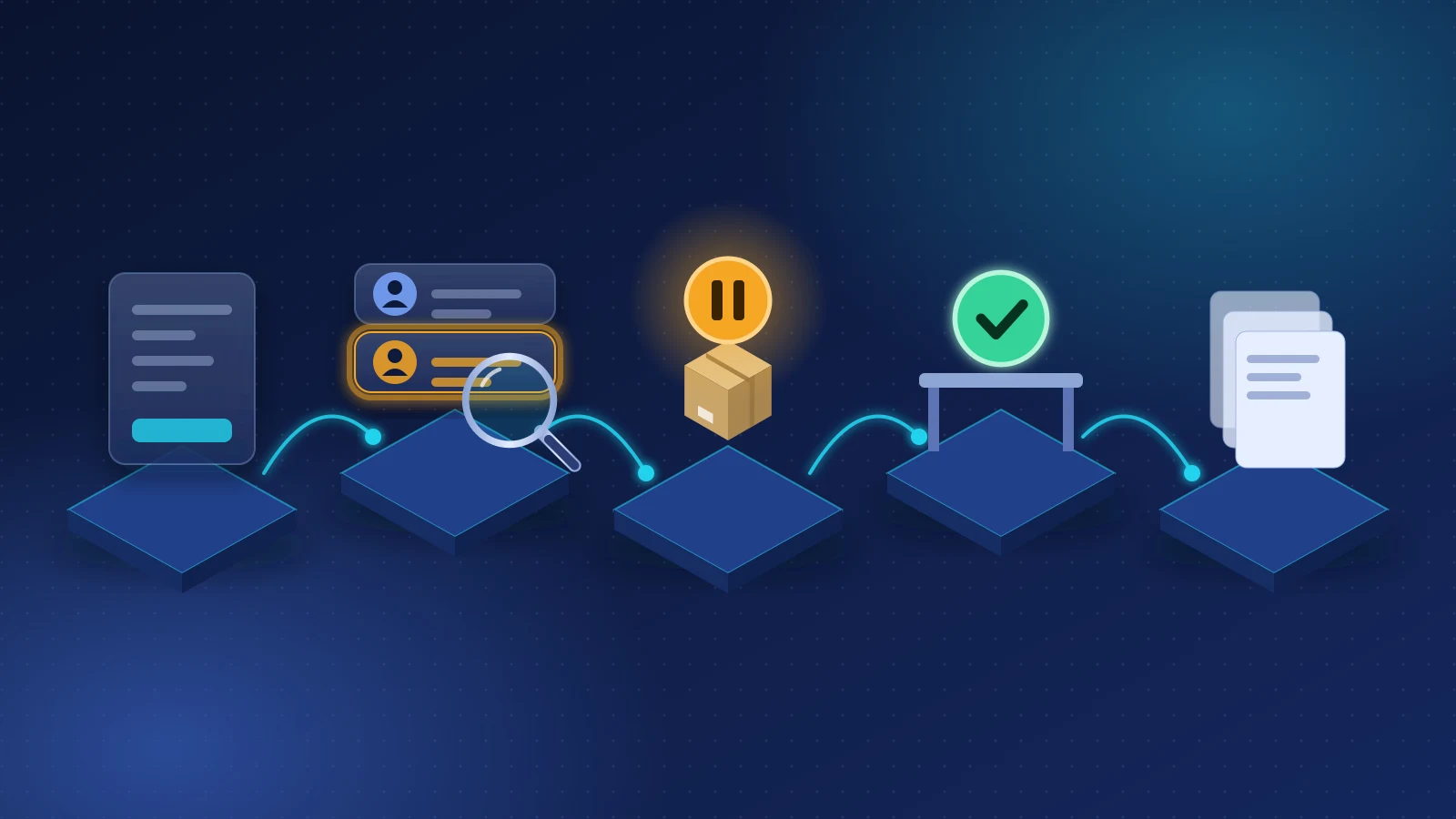
To screen a Shopify order properly you need to:
- Choose the lists that apply to your business.
- Screen every party on the order, not just the customer.
- Use matching that tolerates spelling variants without burying you in false positives.
- Check the destination separately.
- Hold fulfillment while a possible match is open.
- Have a named person decide with the evidence in front of them.
- Keep a record that shows what was screened, against which list version, what matched, who decided, and why.
You can do one-off checks manually with the free government search tools. For every order on a live store, you need automation, or the step that gets skipped will be the one that matters.
Step 1: Choose the lists that apply to you
| You are… | Lists to start with |
|---|---|
| A US business, or taking US-dollar payments through US providers | OFAC SDN List and OFAC Consolidated (non-SDN) List; the US Consolidated Screening List if you export goods |
| An EU business | EU Consolidated Financial Sanctions List; your member state's national list where one exists |
| A UK business | UK Sanctions List (FCDO). Since 28 January 2026 it has been the only source for UK designations |
| Anyone | UN Security Council Consolidated List, which most regimes implement |
| Selling into Switzerland, Canada or Australia, or established there | SECO, Canada's Consolidated Autonomous list, Australia's DFAT Consolidated List |
Many merchants screen against the US, EU, UK and UN lists regardless of where they are. Payment providers apply several of them anyway, and a match on any of them is worth knowing about.
Freshness matters. Lists change several times a week. Screening against a copy that's a month old defeats the purpose.
Step 2: Screen every party on the order
A Shopify order can carry several names:
- the billing name and billing address;
- the shipping name and shipping address, which are often different;
- the customer account name and default address;
- company names on the billing address, shipping address or customer address, and on B2B orders the company and company location.
A sanctioned buyer doesn't have to use their own name in every field. Screening only the account holder misses a listed recipient on the shipping label. Shipping-address company fields often hold the name of a forwarder or business that deserves its own check.
Step 3: Matching that catches variants without drowning you
Exact matching misses too much. OFAC's Amazon settlement (July 2020) described screening that failed to catch alternative spellings of sanctioned places. Payoneer's (July 2021) described "weak algorithms." Good matching normally includes:
- normalization of case, punctuation, accents and spacing;
- alias comparison, since lists carry many alternative names per entry;
- word-order tolerance: "Ivanov Sergei" vs "Sergei Ivanov";
- phonetic and transliteration handling for names from non-Latin scripts;
- secondary identifiers, such as date of birth, country and city, to raise or lower confidence when both sides contain them.
False positives are normal. Common names will match list entries that are different people. The answer isn't to switch matching off. It's to set a sensible threshold and give reviewers enough context to clear a false positive quickly, with a reason.
Step 4: Check the destination separately
A name screen doesn't tell you whether the address is in Crimea, or whether Russia-related goods bans apply. Check billing and shipping countries, and city or region where it matters, against embargoed and restricted jurisdictions. See Can I ship to Russia, Iran, Cuba or North Korea from Shopify?
Step 5: Hold fulfillment while a match is open
Payment can be refunded; a shipped parcel usually can't be recalled. Make a possible match block fulfillment, not just send a notification. If you use manual capture, capture only once the order is clear.
Step 6: Decide a possible match
For each possible match, the reviewer should compare:
- Name and aliases. How close, and on which name field?
- Secondary details. Does the date of birth, nationality, country or city on the list entry fit the customer?
- Context. Destination, products, payment, order history.
- The list entry itself. Which program, when listed, what identifiers.
Possible outcomes:
- False positive: clearly a different person. Allow, and record why ("list entry DOB 1961, customer is a known account since 2019 with a different city and country").
- Unresolved: not enough information. Keep the hold and ask neutral questions where appropriate.
- Probable or confirmed match: don't ship, don't refund without advice, preserve records, and get legal advice on blocking and reporting obligations. Don't tip off the customer.
Step 7: Keep proof
If a bank, payment provider, auditor or regulator asks what you did, a screenshot from last spring won't answer the question. For each screening and decision, keep:
| Record | Why it matters |
|---|---|
| Order and party details screened | Shows what was checked |
| Lists used, with their version or date | Shows the check was current |
| Match result and score, and the matched list entry | Shows what was found |
| Country result for billing and shipping | Shows the destination was checked |
| Reviewer identity and timestamp | Shows who decided and when |
| Decision and written rationale | Shows why |
| Fulfillment and hold status | Shows goods didn't move before the decision |
How long? For transactions subject to US sanctions rules, OFAC's recordkeeping rule (31 CFR 501.601) requires records for 10 years since 21 March 2025. EU and UK record periods vary by context and member state, and commercial and tax record duties often run six to ten years. Choose a retention period that covers the longest that applies to you.
Doing it manually: free tools
- OFAC Sanctions List Search for the SDN and Consolidated lists.
- The International Trade Administration's Consolidated Screening List search for US export-control and sanctions lists.
- The FCDO's UK Sanctions List.
- The EU's Consolidated Financial Sanctions List and the EU Sanctions Map.
These are fine for an occasional check. They don't screen automatically, don't hold fulfillment, and don't keep a record unless you build one yourself.
Doing it in Shopify with MatchAudit
MatchAudit automates all seven steps inside Shopify admin. Get it on the Shopify App Store.
1. Lists. Choose sources per store in Settings: OFAC SDN and Consolidated, EU Consolidated Financial Sanctions, UN Security Council Consolidated, the UK Sanctions List, Switzerland SECO, the US Consolidated Screening List, plus Australia DFAT, Canada and national lists for Belgium, France, the Netherlands, the Czech Republic, Estonia, Latvia, Lithuania and Poland. Lists are downloaded on a six-hourly schedule; a list older than 72 hours (24 hours for OFAC SDN) isn't used, and the order is held instead.
2. Parties. Billing name, shipping name, customer, and every company on the order, including B2B company and location names. A company that appears in several places is screened once.
3. Matching. Normalization, aliases, word-order-tolerant, phonetic and transliterated comparisons, with date of birth, country and city adjusting confidence. Three thresholds: Conservative flags more possible matches, Balanced is the default, Strict flags fewer and can miss broader spelling variations.
4. Destination. Billing and shipping countries are assessed separately; the strictest result decides. You can add your own stricter rules.
5. Hold. A possible match, a holding country result or an unavailable list places a hold on open fulfillment orders and tags the order matchaudit-review-required. Optionally, Hold every new order until it is screened holds every order from the moment Shopify reports it.
6. Decide. The case page explains the score in plain language, cites the list entry and dataset version, and shows country risk and Directory status. An optional AI explanation proposes ALLOW or BLOCK in plain language; it never receives customer names, street addresses or order and customer IDs. Deterministic rules mean an exact or strong match, a blocked country or missing data can never be shown as safe to allow. A staff member must press Allow order or Keep blocked.
7. Proof. Each decision records the completed index generation, exact matched-entry hash, algorithm version, threshold, country assessment and source freshness, time and authenticated reviewer. Records are append-only and hash-linked: a correction is a new record, not an edit. Paid plans export PDF and JSONL over any date range, and each case can be exported as a private PDF. Records stay for as long as the app is installed. Export regularly to your own archive to meet a 10-year retention duty.
And afterwards: the Directory keeps every screened party, and new list versions automatically re-screen it. You can also schedule weekly or monthly re-screens.
Start with the orders you already have. Install MatchAudit and run the free retroactive screen: the most recent 60 days of Shopify orders by default, plus a CSV upload of up to 10,000 older or off-platform records from the last 12 months. Results are tiered as confirmed evidence, review required, country risk, no match, or incomplete. An incomplete result is never shown as "no match."
Frequently asked questions
How do I check my customers against the OFAC list? For a one-off check, use OFAC's free Sanctions List Search. For every order, use an automated screen that covers the SDN and Consolidated lists and keeps a record.
What records should I keep to prove I screened customers? What was screened, the lists and their versions, the result and matched entry, the country result, the reviewer, the time, the decision and the reason. Keep them for at least as long as your longest applicable retention duty: 10 years for US sanctions.
How do I handle false positives? Compare secondary details (date of birth, country, city), look at context, and clear the case with a written reason. Choose a threshold that matches your risk; don't switch matching off.
Should I re-screen existing customers? Yes. Designations are added frequently, and a customer who was clear before can be listed later.
Related reading
- OFAC compliance for ecommerce
- How to prevent false positives in sanctions screening
- Best sanctions screening apps for Shopify (2026)
Official sources
- OFAC, Sanctions List Search: sanctionssearch.ofac.treas.gov
- 31 CFR 501.601, Records and recordkeeping requirements: ecfr.gov
- International Trade Administration, Consolidated Screening List: trade.gov
- UK Government, The UK Sanctions List: gov.uk
- European Commission, EU Consolidated Financial Sanctions List: data.europa.eu
- EU Sanctions Map: sanctionsmap.eu
- UN Security Council Consolidated List: main.un.org
Related reading
Best Sanctions Screening Apps for Shopify (2026): Compared
A dated comparison of the sanctions screening apps on the Shopify App Store, covering lists, fulfillment holds, review workflow, evidence and pricing, sourced from each app's public listing.

Selling Electronics, Drones or Optics Internationally? Export Controls and Sanctions for Shopify Merchants
How export controls differ from sanctions, what EAR99 and ECCNs mean, the Common High Priority List, the August 2026 US drone rule, EU dual-use and Russia rules, and a workflow for technical products.