28 Sept 2026
Security Questionnaire Automation: How to Answer Customer Reviews Faster Without Losing Evidence or Accuracy
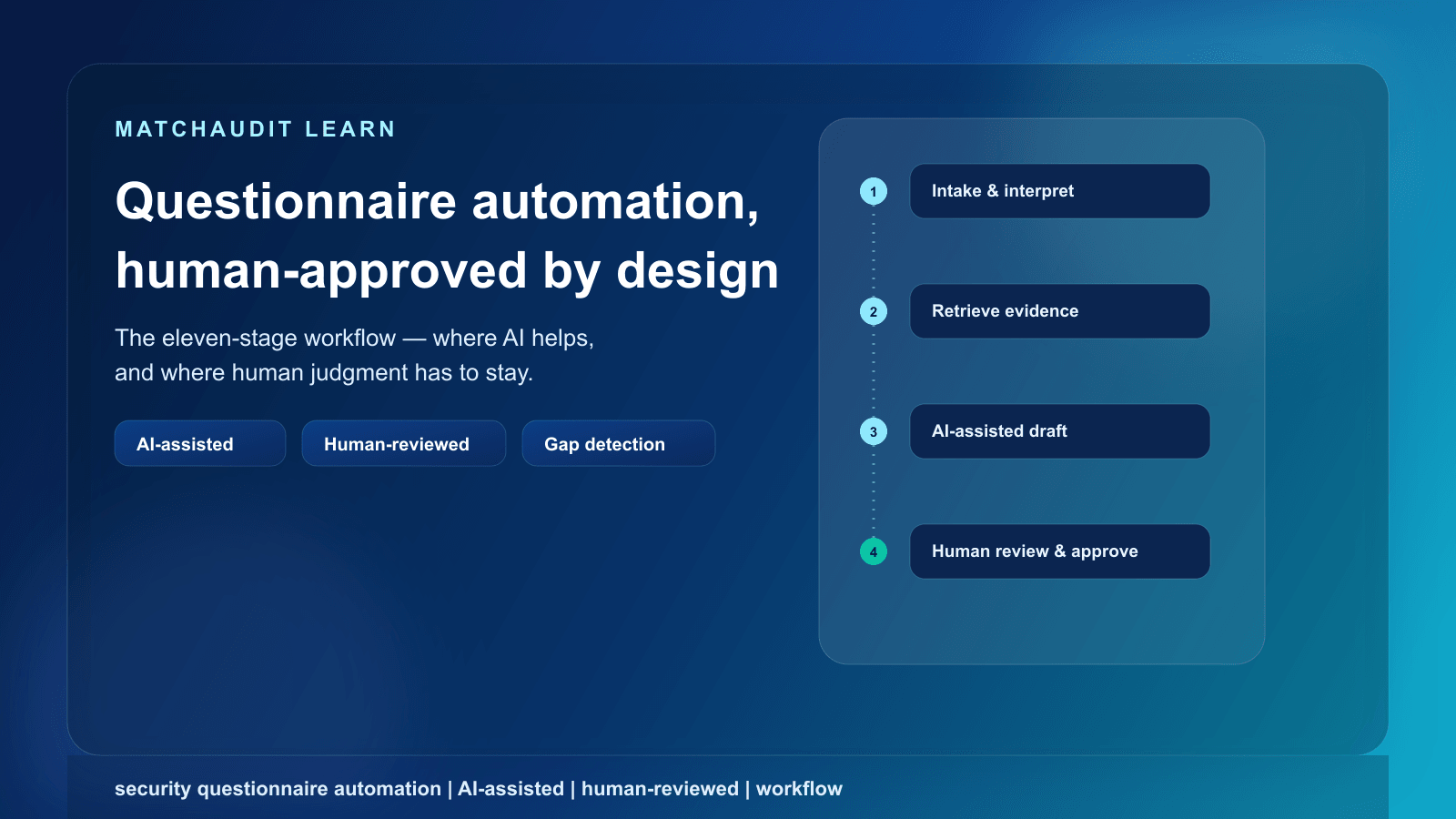
A stage-by-stage breakdown of the security questionnaire workflow — intake to reuse — showing exactly where AI automation genuinely helps and where human judgment has to stay.

Security Questionnaire Automation: How to Answer Customer Reviews Faster Without Losing Evidence or Accuracy
Last reviewed: 28 September 2026. This article describes common industry practice; it is not legal advice, and requirements vary by customer, industry, and jurisdiction.
Quick answer
Security questionnaire automation is the use of software — usually AI matching and drafting tools — to speed up specific steps in answering a customer's security or vendor-risk questionnaire, not to replace the process end to end. Automation is genuinely strong at three steps: retrieving existing approved evidence that matches a question, drafting a first-pass answer from that evidence, and flagging questions where no matching evidence exists yet. It is weak, and should not be trusted unsupervised, at the steps that require judgment: interpreting an ambiguously worded question, confirming that evidence is still current and scoped to the specific engagement, and taking accountability for a claim a customer may later rely on contractually. A workflow that skips human review to save time trades a known, bounded cost (review time) for an unbounded one (a wrong answer submitted under your company's name).
The rest of this article breaks the workflow into 11 discrete stages, states plainly which ones automation handles well, and gives a decision table for judging any individual question.
Contents
- Why most "automation" content oversells this
- The 11-stage questionnaire pipeline
- Where automation genuinely helps — and where it doesn't
- Decision table: good automation candidate vs. needs a human
- Why "fully automated" is a risk, not a feature
- What a defensible automated-assisted workflow looks like
- How MatchAudit fits into this
- FAQ
- Related reading
Why most "automation" content oversells this
Search for "security questionnaire automation" and most of what ranks is vendor content built around a single story: AI drafts an answer, a human clicks approve, and a questionnaire that used to take days now takes hours. Several vendor blog posts attach specific numbers to this story — a fixed number of hours saved, a fixed percentage reduction in time per question, a fixed multiple of throughput. Those numbers come from individual case studies or unspecified samples; they describe what happened for one team on one set of questionnaires, not a rate you should expect to reproduce, and this article does not repeat them as if they were.
What's usually missing from that story is the workflow underneath it: what actually happens between "customer sends a spreadsheet" and "customer receives a signed-off response," and which parts of that sequence are safe to hand to a model versus which parts still require someone who understands your actual current controls. That's the gap this article fills — a process breakdown, not a tool pitch.
If you're evaluating which tool to buy rather than how the workflow should work, see security questionnaire software: how to evaluate a tool instead. This article is about the process, independent of any specific product.
The 11-stage questionnaire pipeline
Every security questionnaire response — whether it's run through a spreadsheet, a portal like a customer's GRC tool, or dedicated software — passes through the same sequence of stages. Naming them separately matters because "automation" is not one thing; it is a set of unrelated capabilities applied to different stages, and each stage carries a different risk profile if it's skipped or rushed.
| Stage | What happens | Where automation genuinely helps | Where human judgment stays necessary | Risk if skipped |
|---|---|---|---|---|
| 1. Intake | The questionnaire arrives — as a PDF, an Excel/Google Sheet, or entries in a customer's TPRM portal (Vanta, OneTrust, ServiceNow, a proprietary portal) — and gets logged against the customer relationship. | Parsing structured formats (spreadsheets, portal exports) into a consistent internal record; detecting duplicate or near-duplicate questions across formats. | Confirming the correct customer, contract scope, and deadline; deciding whether the questionnaire covers a new service or an existing one under a different name. | Questionnaires get lost in email, answered against the wrong scope, or missed deadlines trigger unnecessary escalation. |
| 2. Requirement interpretation | Each question is parsed for what is actually being asked — not just its literal wording. | Suggesting the likely underlying control category a question maps to (e.g., recognizing that "how is data protected in transit" maps to encryption-in-transit). | Resolving ambiguous, compound, or jurisdiction-specific wording; deciding what a vaguely worded question is really trying to establish. This is where misinterpretation risk is highest in the entire pipeline. | An answer that technically responds to the literal words but misses the customer's actual concern — the single most common source of follow-up questions and stalled reviews. |
| 3. Evidence retrieval | The interpreted requirement is matched against your existing library of approved documents, facts, and prior answers. | Searching a structured evidence library and surfacing likely matches, including matches worded differently than the source document. | Confirming a retrieved document is the current version and actually covers the specific system, region, or service the question is about. | An answer cites evidence that has expired, been superseded, or doesn't cover the scope actually asked about. |
| 4. Answer drafting | A first-pass written answer is produced from the retrieved evidence. | Producing a fluent, on-topic draft quickly from approved source material — this is where AI drafting adds the most visible speed. | Deciding whether the draft accurately represents current practice, not just plausible-sounding text. A fluent draft is not the same as a correct one. | An answer reads well but overstates, understates, or misdescribes an actual control — a problem a customer may not catch until an incident. |
| 5. Gap detection | The system checks whether a question has no matching approved evidence at all. | Flagging the absence of a match reliably and consistently, including partial or low-confidence matches. |
Stage 11 is the one teams most often get wrong in the opposite direction: they reuse an old approved answer indefinitely without a recheck, because it worked before. Reuse should carry an expiry or review-due signal, not just a copy-paste shortcut.
Where automation genuinely helps — and where it doesn't
Collapsed to a single line: automation is strong at retrieval, drafting, and gap-flagging; humans remain necessary for interpretation, currency/scope validation, and accountability.
That split isn't arbitrary — it follows from what each task actually requires:
- Retrieval, drafting, and gap-flagging are pattern-matching and search problems. Given a well-maintained evidence library, a language model is well-suited to finding the closest match to a question and producing readable text from it. This is genuinely where most of the visible speed gain comes from, and it's real — it's just narrower than "automating the questionnaire."
- Interpretation, currency, and accountability are judgment problems. Whether a vaguely worded question is really asking about production data or all data; whether a SOC 2 report from eleven months ago still reflects your actual current architecture; whether your company is willing to stand behind a specific claim in a specific contract — none of these are retrieval problems. They require someone who understands both the current state of your controls and the consequence of being wrong.
A fluent draft answer is not the same thing as a correct one. Automation can produce the first. Only a person who knows your current controls can confirm the second.
This is also why "fully automated questionnaire completion" is not a credible target state, regardless of how a tool is marketed. Even the most mature retrieval-and-drafting pipeline still depends on a human deciding the draft is true.
Decision table: good automation candidate vs. needs a human
Not every question in a 200-item questionnaire carries the same risk. A useful triage habit is to sort questions by type before drafting starts, so review time is spent where it matters most rather than spread evenly across every item.
| Question type | Example | Good candidate for automation? | Why |
|---|---|---|---|
| Binary control confirmation with existing evidence | "Do you encrypt data at rest?" | Yes, if approved evidence already confirms it | Direct match to a documented, stable fact; low interpretation risk. |
| Standard certification/status check | "Are you SOC 2 Type II certified?" | Yes, if the certificate is current | Verifiable against a document with a clear expiry date. |
| Factual scope description with existing evidence | "Which sub-processors do you use for data storage?" | Yes, if the sub-processor list is current | Retrieval from a maintained list; still needs a currency check before reuse. |
| Recently changed control area | "Describe your incident response process." | Partial — draft from evidence, but review carefully | Process descriptions drift out of date faster than binary facts; needs a currency check. |
| Compound or ambiguous wording | "How do you ensure data is adequately protected throughout its lifecycle?" | No — needs human interpretation first | The question bundles multiple controls; automation may answer only the literal, obvious part. |
| Engagement-specific risk judgment | "Describe your risk appetite for this specific engagement." | No | There is no reusable "approved fact" for a customer-specific judgment call. |
| Contractual or liability-adjacent claim | "Will you indemnify us for a breach caused by a sub-processor?" | No | This is a legal commitment, not a factual answer; requires legal sign-off regardless of drafting speed. |
| Novel or first-time question | A question that has never appeared in a prior questionnaire | No, but flag for triage | No prior answer exists to retrieve; treat as a gap from the start rather than forcing a draft. |
The pattern across the "no" rows: whenever a question requires interpreting intent, judging risk, or making a commitment, automation's value shrinks to "helps a human answer faster," not "answers it."
Why "fully automated" is a risk, not a feature
It's worth stating this plainly rather than as a disclaimer bolted on at the end: a questionnaire response process with no human review step is not actually faster — it's a process that has moved the cost from "review time" to "cleanup after something goes wrong."
Three concrete failure modes show up repeatedly when review is skipped or treated as a formality:
- Stale evidence gets reused as if it were current. A document approved eight months ago may no longer reflect the actual environment — a sub-processor changed, an architecture was migrated, a certification lapsed. Retrieval systems don't know this unless something forces a currency check.
- A draft answers the literal question instead of the real one. Compound and ambiguously worded questions are common in questionnaires, and a drafting model will often produce a plausible answer to a narrower reading of the question than the customer intended — which surfaces later as a follow-up, or worse, as a gap discovered during an incident.
- No one is accountable for the specific claim. If a submitted answer turns out to be wrong, "the AI drafted it" is not a position that holds up in a customer relationship, a contract dispute, or an internal audit. Someone has to have actually approved it, on the record.
None of this means automation isn't worth using — it means the review and approval stages (7 and 8 above) are not optional steps to streamline away. They're the stages that make the rest of the pipeline trustworthy.
What a defensible automated-assisted workflow looks like
Putting the pipeline and the boundary together, a workflow that holds up under scrutiny — from your own leadership, from a customer's security team, or from an auditor — generally has these properties:
- Every draft answer is visibly linked to the specific evidence or fact it was generated from, not presented as free-standing text.
- Confidence or match-quality signals are visible to the reviewer, so review time concentrates on low-confidence or ambiguous items rather than being spread evenly.
- Gaps are flagged explicitly rather than silently filled with a plausible-sounding draft.
- Approval is a distinct, logged step from review — not the same click.
- Reused answers carry a review-due or expiry signal tied to how quickly the underlying control area changes, not an indefinite shelf life.
- The people approving answers are the people who actually know the current state of the relevant control — not necessarily the person who is fastest at clicking "approve."
This is a description of a sound process, not a specific product. Any tool — spreadsheet-based, portal-based, or purpose-built — can either support or undermine these properties depending on how it's used.
How MatchAudit fits into this
MatchAudit's Vendor Assurance workspace is built around this same stage boundary rather than around promising to remove it. Concretely, today:
- You upload and version reusable evidence documents and record structured, human-approved "facts" once, so stage 3 (evidence retrieval) has a real library to search instead of starting from a blank spreadsheet each time.
- When you upload a customer's questionnaire, MatchAudit uses AI to extract candidate requirements — field type, whether it's required, the source excerpt it was pulled from, and a confidence score — for you to review and accept. This is AI-assisted extraction with mandatory human review at stage 2 and stage 7; it is not autofill, and nothing is treated as final until a person accepts it.
- Answering a requirement means linking approved facts or documents as sources, with an AI-suggested draft response a human has to approve before it's used — matching stages 4, 7, and 8 above rather than collapsing them.
- A per-customer "target readiness" view surfaces missing, expired, or review-due items ahead of time — a preparatory gap view, not a live view of an active customer questionnaire — which is the same intent as stage 5 (gap detection), done proactively.
- Each customer relationship is tracked as its own record, and approved reports export to JSON or CSV only after human approval — supporting stages 6–9 without skipping the approval gate.
- MatchAudit can connect with tools like Vanta, OneTrust, and ServiceNow to work alongside a customer's existing portal rather than requiring you to abandon it.
If your team already has a decent evidence library but keeps rebuilding answers per customer, see where your questionnaire workflow already has reusable evidence versus real gaps — or get started and connect your first customer relationship directly.
FAQ
Can AI fully automate security questionnaire responses? No. AI tools can reliably assist with retrieving matching evidence, drafting a first-pass answer, and flagging where evidence is missing. Interpreting ambiguous questions, confirming evidence is current and correctly scoped, and taking accountability for a submitted claim still require a human, and skipping that step creates real risk rather than saving real time.
What's the biggest risk in automating security questionnaires? Submitting an answer built on stale or out-of-scope evidence, or an answer that responds to the literal wording of a question rather than what the customer is actually trying to establish. Both failure modes produce a fluent, plausible-looking answer, which is exactly why they're easy to miss without a review step.
Which parts of the questionnaire process are safest to automate first? Evidence retrieval and gap detection carry the lowest risk — a retrieval miss or a flagged gap just becomes a task for a human, rather than an incorrect claim reaching a customer. Drafting is also low-risk as long as every draft is reviewed against the actual question before approval.
Should every question go through the same level of review? No. Binary factual confirmations backed by current, approved evidence need a lighter check than compound, ambiguous, or contractually significant questions. Triaging questions by type before drafting — as in the decision table above — concentrates review effort where it actually matters.
How is security questionnaire automation different from RFP automation? They share mechanics — retrieval, drafting, review — but RFP responses are typically sales-facing and persuasive, while security questionnaire responses are compliance-facing and need to be strictly accurate to current practice. The accountability bar for a security questionnaire answer is generally higher because a customer's security or risk team may rely on it operationally, not just commercially.
Does reusing a previous approved answer save time safely? Usually, if the underlying control hasn't changed and the reused answer still covers the current scope. The risk is reusing an answer indefinitely without checking whether the practice it describes is still accurate — which is why a review-due or expiry signal on reusable answers matters more than the reuse itself.
Do questionnaire automation tools need to integrate with our existing GRC platform? Not necessarily, but many teams already have a customer-facing portal like Vanta, OneTrust, or ServiceNow in the loop. A tool that can connect with that portal, rather than requiring you to replace it, tends to fit into an existing workflow with less disruption.
Related reading
- Security questionnaire: the complete guide — broader hub covering what security questionnaires are and how to prepare for them.
- Vendor security assessment questionnaire: question-by-question mechanics — for guidance on answering specific question types and categories.
- Security questionnaire software: how to evaluate a tool — if you're choosing between vendors rather than designing the workflow itself.
- Vendor onboarding: the full lifecycle — how questionnaires fit into the broader customer onboarding process.
Related reading

Vendor Security Assessment Questionnaire: Questions, Evidence and How to Respond
How to answer a vendor security assessment questionnaire: common question categories, what evidence to attach, when to use Yes/No/Partial/N/A, and how to document exceptions honestly.

SaaS Security Questionnaire Checklist: What to Have Ready Before Your First Enterprise Review
A pre-readiness checklist and evidence matrix for SaaS companies facing their first enterprise security questionnaire — what to have on hand, who should own it, and how to answer honestly when you're not ready.