Security Questionnaires: A Complete Guide for SaaS Vendors and Suppliers | MatchAudit Learn
Security Questionnaires: A Complete Guide for SaaS Vendors and Suppliers
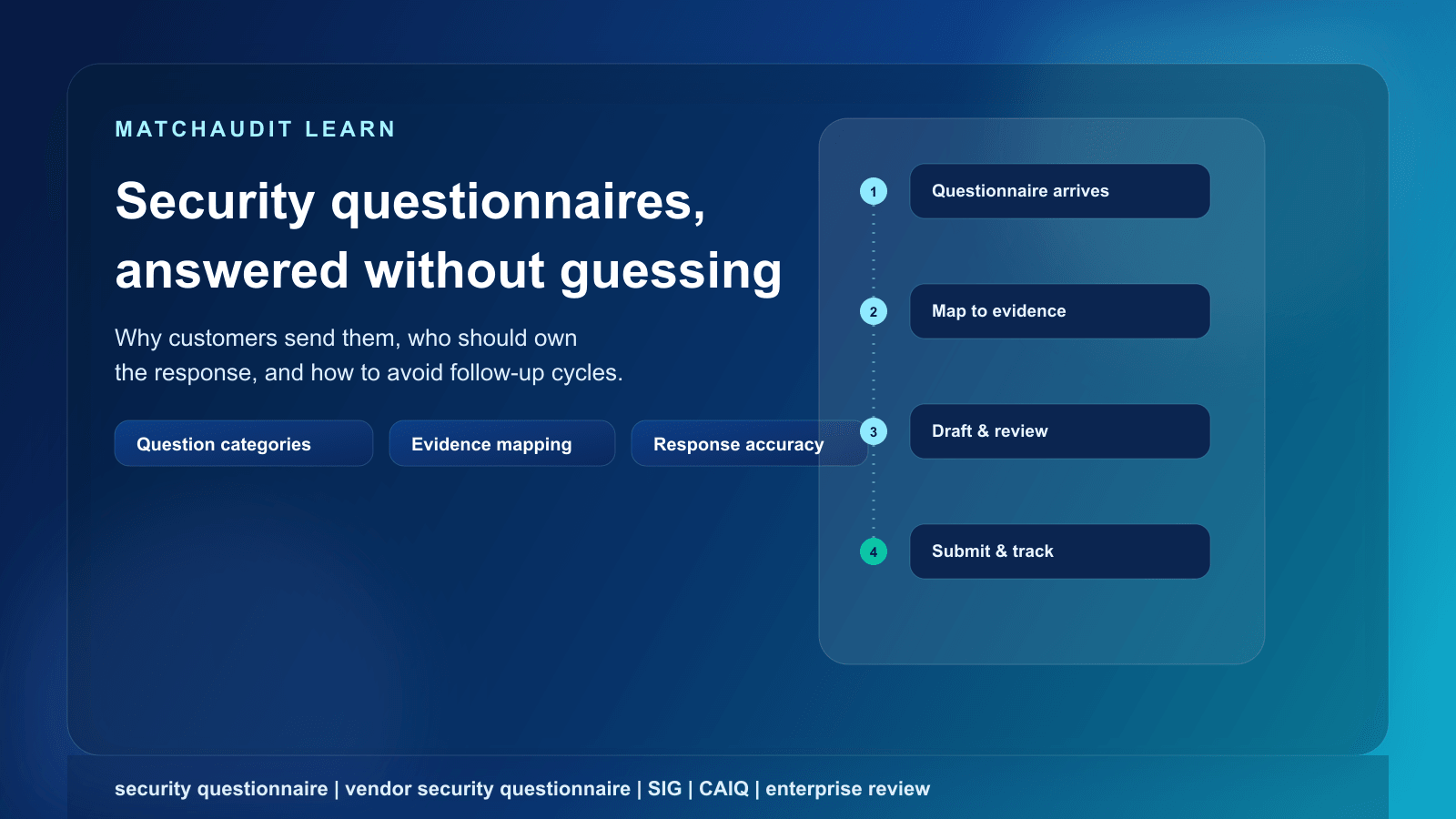
What a security questionnaire is, why customers send them, who should own the response at a vendor, common question categories and evidence requests, and how to respond accurately without triggering follow-up cycles.
•15 min read
Last reviewed: 20 September 2026. This article describes common industry practice; it is not legal advice, and requirements vary by customer, industry, and jurisdiction.
Quick answer
A security questionnaire is a structured set of questions a customer sends to a vendor or supplier before (or during) a purchase, to assess how the vendor protects data and systems. Customers use it to decide whether a vendor's controls meet their risk tolerance and any regulatory obligations that apply to them.
As a vendor, you're expected to answer accurately, back claims with evidence (policies, certifications, reports), and flag anything that doesn't apply rather than guessing. Vague or unsupported answers are the single biggest cause of follow-up questions and stalled deals. The fastest way to reduce that friction is to maintain a reusable, current library of approved answers and evidence, so each new questionnaire is a matter of reuse and review rather than starting from a blank spreadsheet.
A customer sending you a security questionnaire is trying to answer one question for their own organization: if we rely on this vendor, what risk are we taking on, and can we accept it?
Once your product touches their data, their systems, or a process their business depends on, your security posture effectively becomes part of theirs. Their own customers, auditors, regulators, cyber-insurers, or board may hold them accountable for the vendors they choose. A security questionnaire is how they document that they asked the right questions before signing, and it becomes part of their own audit trail.
This isn't unique to large enterprises. Mid-market companies, regulated financial institutions, healthcare organizations, and increasingly SaaS companies buying from other SaaS companies all send some version of this exercise. The depth varies, but the underlying purpose is the same: turn "trust us" into something the customer can evaluate, document, and defend later.
For the vendor, that reframes the questionnaire. It isn't a bureaucratic hurdle standing between you and a signed contract - it's the mechanism your customer uses to get comfortable enough to sign at all. Treating it as a serious, well-run process (rather than a last-minute scramble) is itself a signal about how your company operates.
When questionnaires appear in the sales process
Security questionnaires typically show up at one of a few points, and which one depends heavily on deal size and how the customer classifies your risk.
During procurement or vendor selection, before a contract is signed - common for larger deals, regulated customers, or any deal where the vendor will access production data or systems.
After a contract is signed but before activation, as part of a formal onboarding or third-party risk approval process - common at banks, insurers, and other regulated institutions where security review is a separate gate from the commercial decision.
As part of an annual or periodic re-assessment, once you're already a live vendor - triggered by contract renewal, a material product change, a new subprocessor, or simply the customer's review cycle.
Ad hoc, after an incident or news event, when a customer wants updated assurance following a publicized breach at another vendor or in your industry.
Deal size and risk tier change the shape of this, not just the timing. A self-serve SaaS deal with a small business may involve no questionnaire at all, or a short one embedded in a signup flow. A mid-market deal might involve a two- to three-page questionnaire from a single stakeholder. An enterprise or regulated-institution deal can involve a formal, multi-hundred-question document routed through procurement, security, privacy, and legal - sometimes with a separate due-diligence checklist covering the wider relationship, not just security. If you're selling into that segment, it's worth reading a dedicated walkthrough of the vendor due diligence checklist customers use alongside the security review.
The practical implication: don't assume a questionnaire means the deal is at risk. It usually means the deal has reached the size or risk tier where the customer's own governance requires it.
Who typically owns the response at the vendor
Ownership shifts as a company grows, and mismatched ownership is a common source of delay.
Company stage
Typical owner
What usually goes wrong
Early-stage / founder-led
Founder or a generalist ops person
No documented process; answers are recreated from memory each time
Growth-stage with a sales team
Sales engineer or solutions consultant
Technical accuracy is inconsistent across deals; no single source of truth
Company with a security function
Security lead or IT manager
Security has the technical answers but isn't looped in early enough in the sales cycle
Larger or compliance-mature company
Dedicated compliance or trust hire, often supported by a GRC tool
Process is mature but still bottlenecked on this one person during busy periods
Whoever owns it, the response usually requires input from more than one person: security controls, HR practices (background checks, offboarding), infrastructure and subprocessors, legal terms, and sometimes product engineering for architecture questions. The most common failure mode isn't a lack of expertise - it's that the knowledge is scattered across people, tools, and old email threads, so every questionnaire starts from a blank page.
Common question categories
Most questionnaires - regardless of which template a customer uses - cluster around a consistent set of domains:
Not every category applies to every product. A vendor with no physical offices touching customer data can honestly say physical security questions don't apply to their service - but that answer needs a brief rationale, not silence.
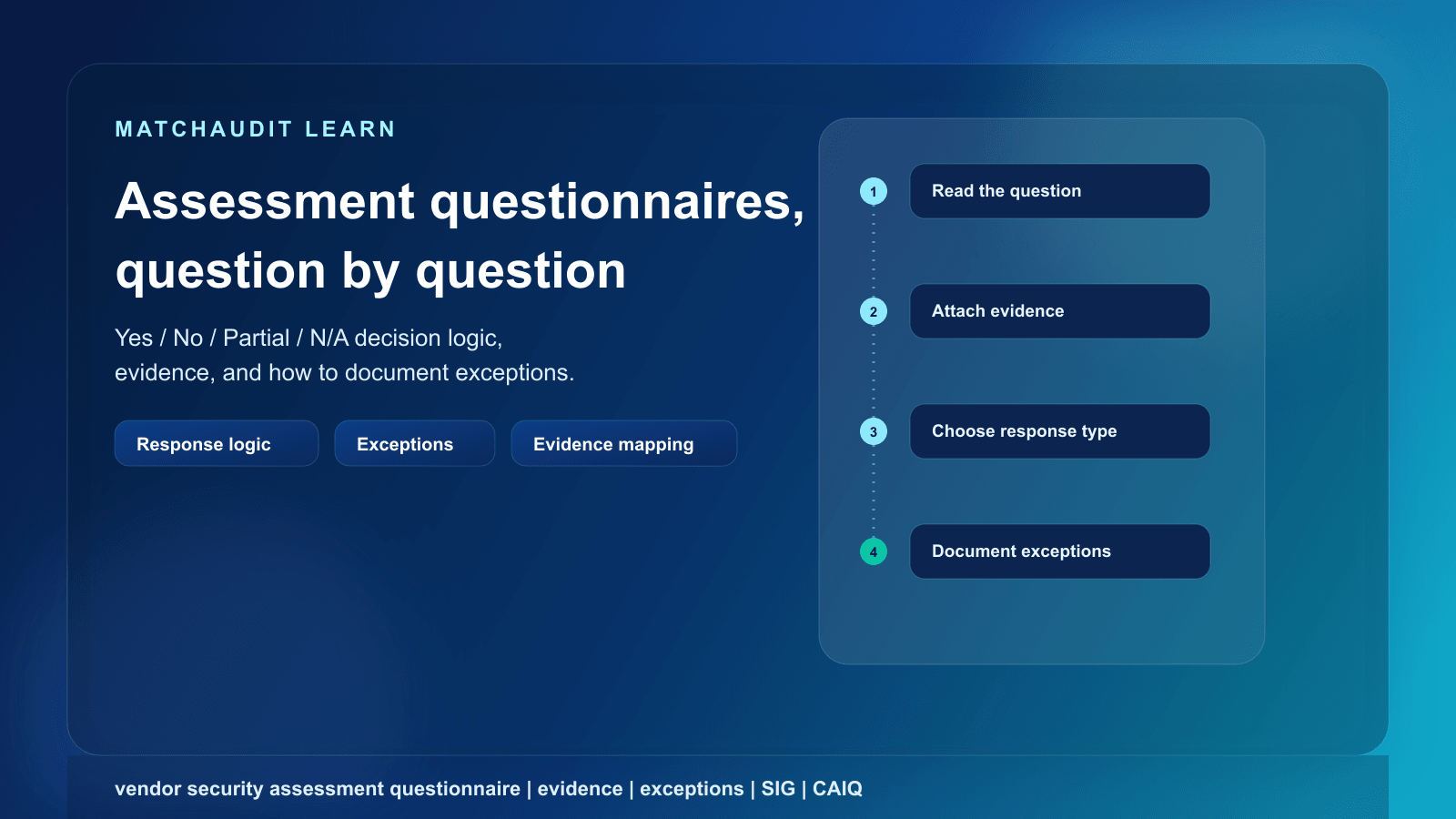
For the mechanics of answering individual questions in a structured questionnaire format (Yes/No/Partial/NA, exceptions, evidence attachment), see the dedicated guide on responding to a vendor security assessment questionnaire.
Evidence customers may request
Answers carry more weight when they point to something the customer can inspect. Common evidence types map roughly to the question categories above:
Question category
Evidence customers commonly ask for
Access control
Access-control or identity-management policy, MFA enforcement statement
Data handling & encryption
Data-classification and retention policy, encryption architecture summary
BCP/DR plan, backup policy, most recent recovery-test summary
Subprocessors
Current subprocessor list, data-transfer or data-processing agreement
Physical security
Data-center provider's own certifications (e.g., cloud provider compliance page)
HR & personnel
Background-check policy, security-awareness training records or summary
Secure development
Secure-SDLC policy, most recent penetration-test summary or letter of attestation
Overall assurance
SOC 2 report, ISO 27001 certificate, architecture or data-flow diagram
A few practical notes on evidence:
Independent reports (SOC 2, ISO 27001, penetration tests) answer some questions but rarely all of them - customers still want to see scope, exceptions, and whether the report actually covers the service being purchased.
Sensitive documents (full pen-test reports, architecture diagrams) are often shared under NDA or through a restricted-access channel rather than emailed outright.
Stale evidence is a common, avoidable problem: an expired certificate or a year-old subprocessor list undermines an otherwise strong response.
Named frameworks you may encounter
Rather than writing a fully custom questionnaire, many customers start from (or reference) a small number of established templates:
SIG (Standardized Information Gathering questionnaire), maintained by the Shared Assessments Program, is a broad questionnaire covering a wide range of risk and control domains and is updated periodically to reflect current regulations and frameworks.
CAIQ (Consensus Assessments Initiative Questionnaire), maintained by the Cloud Security Alliance, is a largely yes/no questionnaire mapped to the CSA's Cloud Controls Matrix and is aimed specifically at cloud service providers.
VSA (Vendor Security Alliance questionnaire) is produced by an industry coalition and offered as a free, annually updated template, with a longer "Full" version and a shorter "Core" version.
If a customer references one of these by name, it's worth checking whether they're using it as-is or as a starting point they've customized - many are. Knowing the source template can help you anticipate structure, but it doesn't replace reading the actual questions the customer sent you.
How to respond accurately
Accuracy matters more than speed. A fast but wrong or unsupported answer creates rework and erodes trust; a slower, well-sourced answer moves the deal forward without a second round.
Do
Don't
Source every answer to a specific policy, control, or document
Answer from memory or "how it probably works"
Say "not applicable" and explain why, when a question genuinely doesn't apply
Leave a question blank or mark it N/A without rationale
Document known gaps and any planned remediation honestly
Overstate a control you don't actually have in place
Keep answers consistent across security, privacy, and legal sections
Let different teams describe the same control differently
Note the effective date and scope of any evidence you attach
Attach an expired certificate or an outdated subprocessor list
Flag ambiguous questions and ask the customer to clarify scope
Guess at an interpretation and hope it's close enough
Two failure modes are worth calling out specifically. First, guessing: if nobody on your team is sure whether a control exists, that's a question to resolve internally before answering, not a coin flip. Second, inconsistency: if your security team says data is retained for 90 days but your privacy policy says 12 months, that discrepancy is often more damaging than either individual gap, because it signals the answers weren't actually reviewed together.
How gaps create follow-up questions
A vague or unsupported answer rarely ends the conversation - it usually starts a longer one. When a reviewer reads "Yes, we have appropriate access controls in place" with no supporting detail, the natural next step is a follow-up question asking what that actually means, which extends the review cycle rather than shortening it.
The same applies to internal inconsistency. If a reviewer cross-references your questionnaire against your SOC 2 report, your data-processing agreement, and your website's security page, and finds three slightly different descriptions of the same control, that discrepancy itself becomes a question - even if none of the three answers was technically wrong.
The practical lesson: a shorter, well-sourced, honestly-scoped answer usually closes a topic faster than a longer answer that reads well but can't be verified.
What happens after you submit
Submitting the questionnaire is rarely the last step. A typical review continues roughly as follows, though the exact path depends on the customer's own process:
Initial review by the requesting team (often security or procurement), checking for completeness and obvious gaps.
Follow-up questions, either to clarify an answer or to request evidence that wasn't included initially.
Escalation, where relevant, to a security or legal team for items that touch contractual risk, data-protection obligations, or unresolved exceptions.
Risk acceptance or remediation request, if a gap is identified that the customer isn't willing to accept as-is - sometimes with a timeline for you to close it.
Approval, which may be a formal sign-off feeding into contract activation, or an informal green light depending on the customer's process.
Response time on your side directly affects how long this stretches out. A questionnaire that sits unanswered for a week between rounds adds a week to the deal, regardless of how strong the underlying answers are.
Before, during, after: a simple process map
Stage
Vendor-side focus
Before the questionnaire arrives
Maintain a current evidence library (policies, certificates, diagrams); keep an approved-answer library for recurring questions; know who owns which domain internally
During the questionnaire
Read the full questionnaire before answering anything; classify questions by category; source every answer; flag gaps and exceptions honestly; keep answers consistent across sections
After submission
Track open follow-ups in one place; route escalations to the right internal owner; record what was asked, what was sent, and what was approved, so the next questionnaire from the same customer starts from a known baseline
Preparing for future questionnaires
The single highest-leverage thing a vendor can do is stop treating each questionnaire as a one-off project. A few concrete habits:
Build a reusable answer library. Once a question has been answered accurately and approved once, that answer (with its source) should be available for reuse - not retyped from memory the next time a similar question arrives.
Keep evidence current on a schedule, not reactively. Certificates expire, penetration tests age, subprocessor lists change. Treat evidence refresh as routine maintenance, not something triggered by an incoming questionnaire.
Track what each customer specifically asked for. Different customers phrase the same underlying concern differently, and some will re-ask at renewal. Knowing a given customer's history avoids resubmitting the wrong version or missing a requirement they flagged before.
Loop security and compliance owners in early, rather than routing the whole questionnaire through sales and hoping it gets accurate technical input at the end.
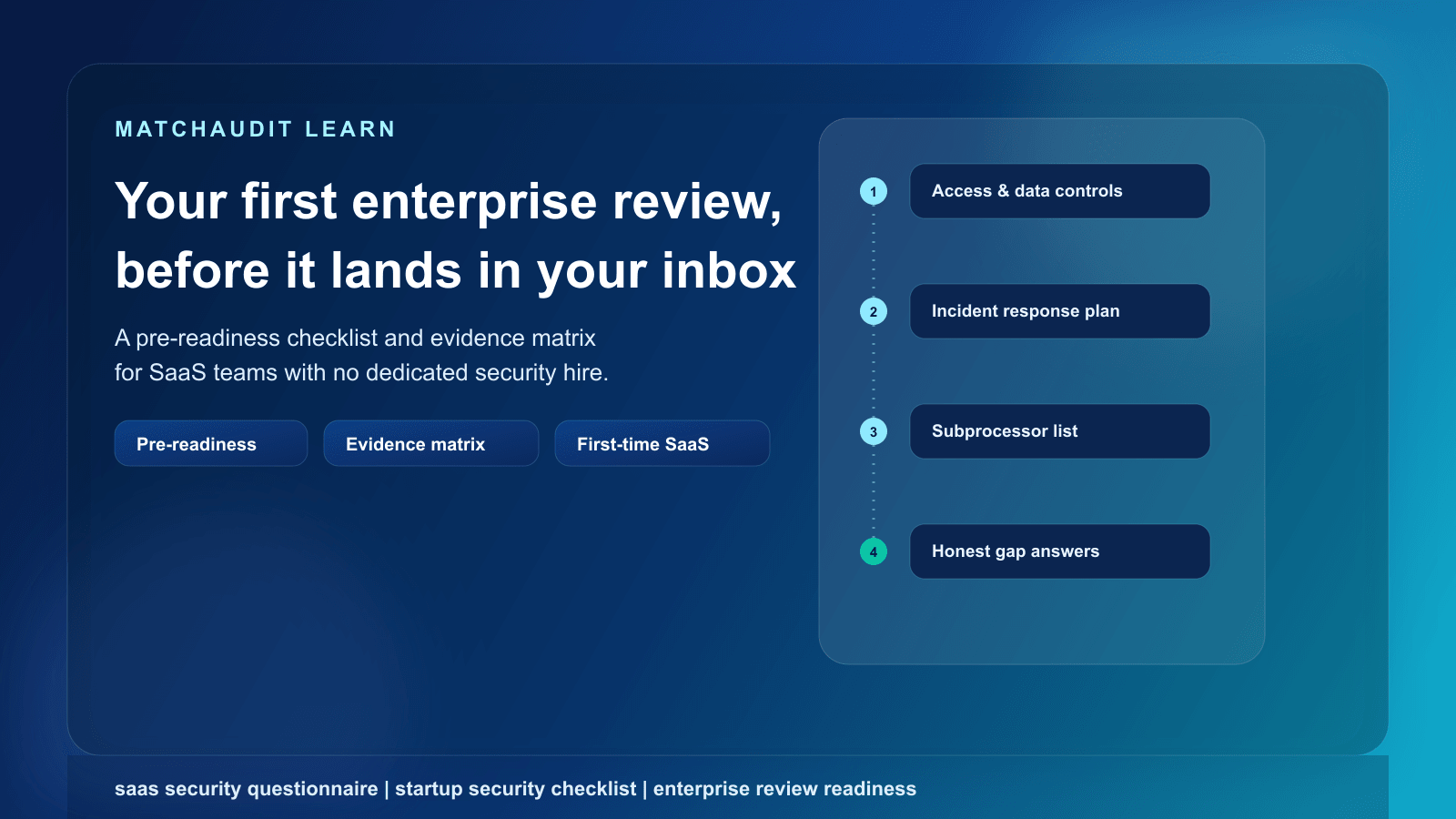
This is also where the operational shape of the problem changes as you scale: what's manageable as a shared spreadsheet at ten questionnaires a year becomes unmanageable at fifty, especially once several customer relationships are active in parallel and each has its own evidence expectations and review dates. If you're evaluating whether it's time for dedicated tooling rather than a spreadsheet and shared drive, the comparison points are covered in security questionnaire software and, if you're specifically looking at reducing manual re-typing across questionnaires, in security questionnaire automation. SaaS companies preparing for their first serious enterprise review specifically may also find it useful to start with SaaS security questionnaire readiness before the first one lands.
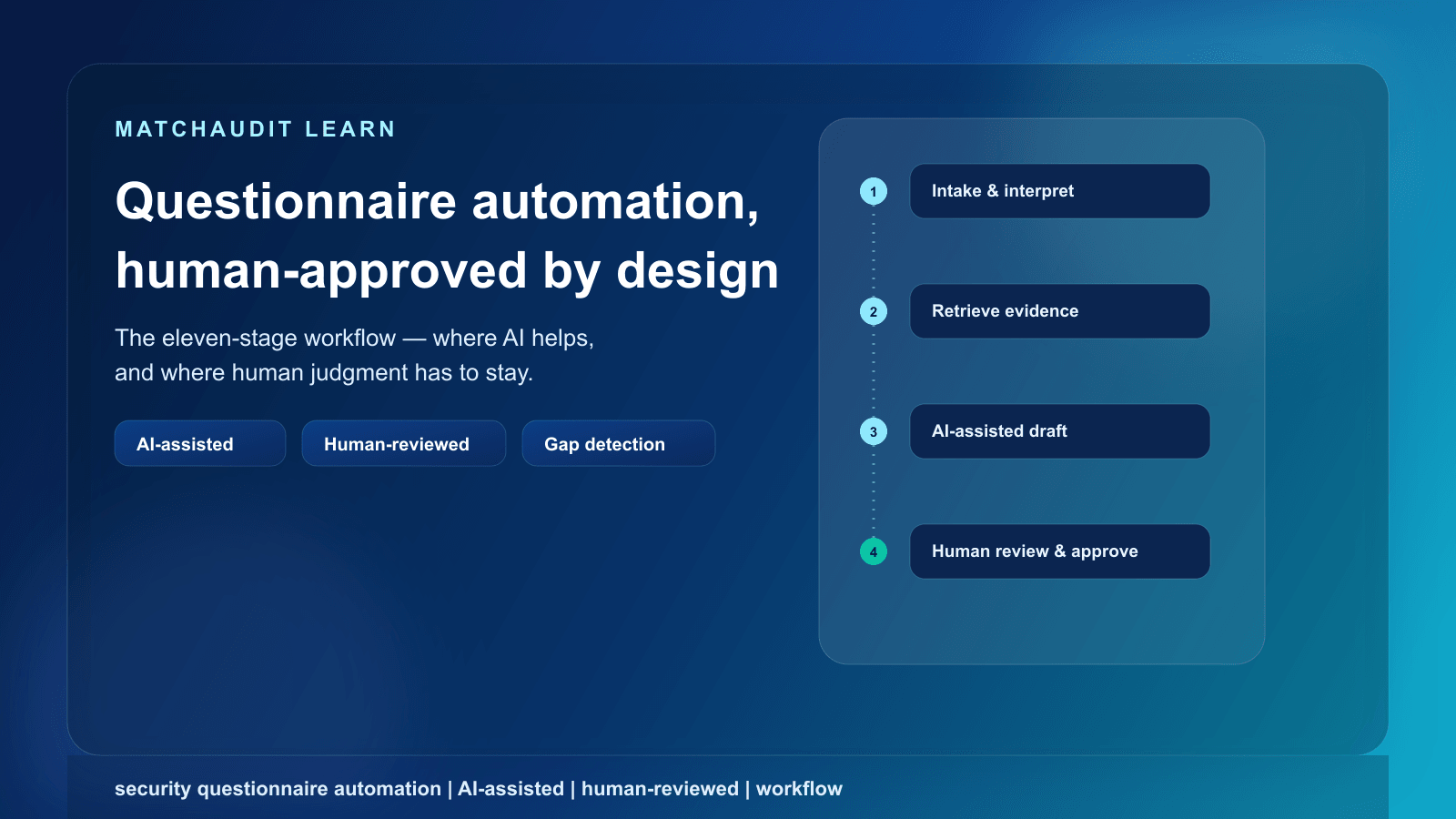
This is the specific gap MatchAudit's Customer Assurance workspace is built to close for vendors: it lets you store approved facts and evidence documents once (with a human review step before anything is marked "approved"), upload a customer's questionnaire and get AI-assisted extraction of individual requirements for you to review rather than retype, draft an answer linked to your approved sources with a human approval step before it's used, and see a per-customer readiness view showing what's missing, expired, or due for review - across multiple customer relationships in one workspace. None of this replaces judgment on your side; it removes the busywork of rebuilding the same answer from scratch every time.
A security questionnaire is a structured set of questions a customer sends a vendor or supplier to assess how the vendor protects data and systems before, or during, a business relationship. It typically covers areas like access control, data handling, incident response, and business continuity.
Why do customers send security questionnaires instead of just relying on certifications like SOC 2?
Certifications and reports are useful evidence, but they don't always cover the specific service being purchased, may have exceptions, and don't answer every question a customer needs for their own risk decision. A questionnaire lets the customer ask about their specific scenario and document the answer.
Who should fill out a security questionnaire at a small company?
At small or early-stage companies it's often the founder or a generalist team member, sometimes supported by a sales engineer. As the company grows, this typically shifts to a dedicated security or compliance owner who coordinates input from IT, HR, and legal.
What if a question doesn't apply to our product?
Mark it "not applicable" and give a brief, honest reason (for example, no physical offices process customer data). Leaving a question blank without explanation is more likely to trigger a follow-up than a clearly justified N/A.
Is it okay to say we don't have a control yet?
Yes, when it's true. Overstating a control you don't have creates more risk than admitting a gap and describing a remediation plan or timeline. Customers frequently proceed with a documented gap and a credible plan; they're far less comfortable discovering an inaccurate answer later.
What are SIG, CAIQ, and VSA?
They're established questionnaire templates some customers use instead of writing their own from scratch. SIG (Shared Assessments Program) is a broad, multi-domain questionnaire; CAIQ (Cloud Security Alliance) is a largely yes/no questionnaire aimed at cloud providers, mapped to the CSA Cloud Controls Matrix; VSA (Vendor Security Alliance) is a free, coalition-maintained questionnaire offered in a full and a shorter "core" version.
How long should answering a security questionnaire take?
There's no universal timeline - it depends on the questionnaire's length, how much of the answer set is already prepared and current, how many internal teams need to weigh in, and how the customer's own review process runs. Vendors with a maintained answer library and evidence set generally move faster than vendors starting from scratch each time.
What happens if our answers are inconsistent with our actual policies?
Reviewers do cross-reference questionnaire answers against attached policies, DPAs, and public security pages. Inconsistencies - even minor ones - tend to generate follow-up questions because the reviewer can't tell which statement is accurate, which extends the review cycle.
See how ready your evidence is before the next one arrives
If you're not sure whether your evidence library, approved answers, and past questionnaire history are actually in shape for the next customer request, that's exactly the gap a structured workspace is meant to close rather than another spreadsheet.
How to answer a vendor security assessment questionnaire: common question categories, what evidence to attach, when to use Yes/No/Partial/N/A, and how to document exceptions honestly.