Consolidated Screening List (CSL): How Online Sellers Use It — and Where It Stops | MatchAudit Learn
Consolidated Screening List (CSL): How Online Sellers Use It — and Where It Stops
How online sellers use the Consolidated Screening List to check buyers against US export and sanctions lists, what it covers, and where it stops.
•6 min read
The Consolidated Screening List (CSL) is a free US government tool that lets you search many US export-control and sanctions lists at once. It is a good starting point for an online seller. It is also a screening aid, not the final word. Confirm every hit against the original list, and remember that the CSL covers US lists only.
This guide explains what the consolidated screening list contains and how online stores use it. It also covers its limits and how to fit it into a denied party screening process. For the whole process, see the complete guide to denied party screening.
What the consolidated screening list is
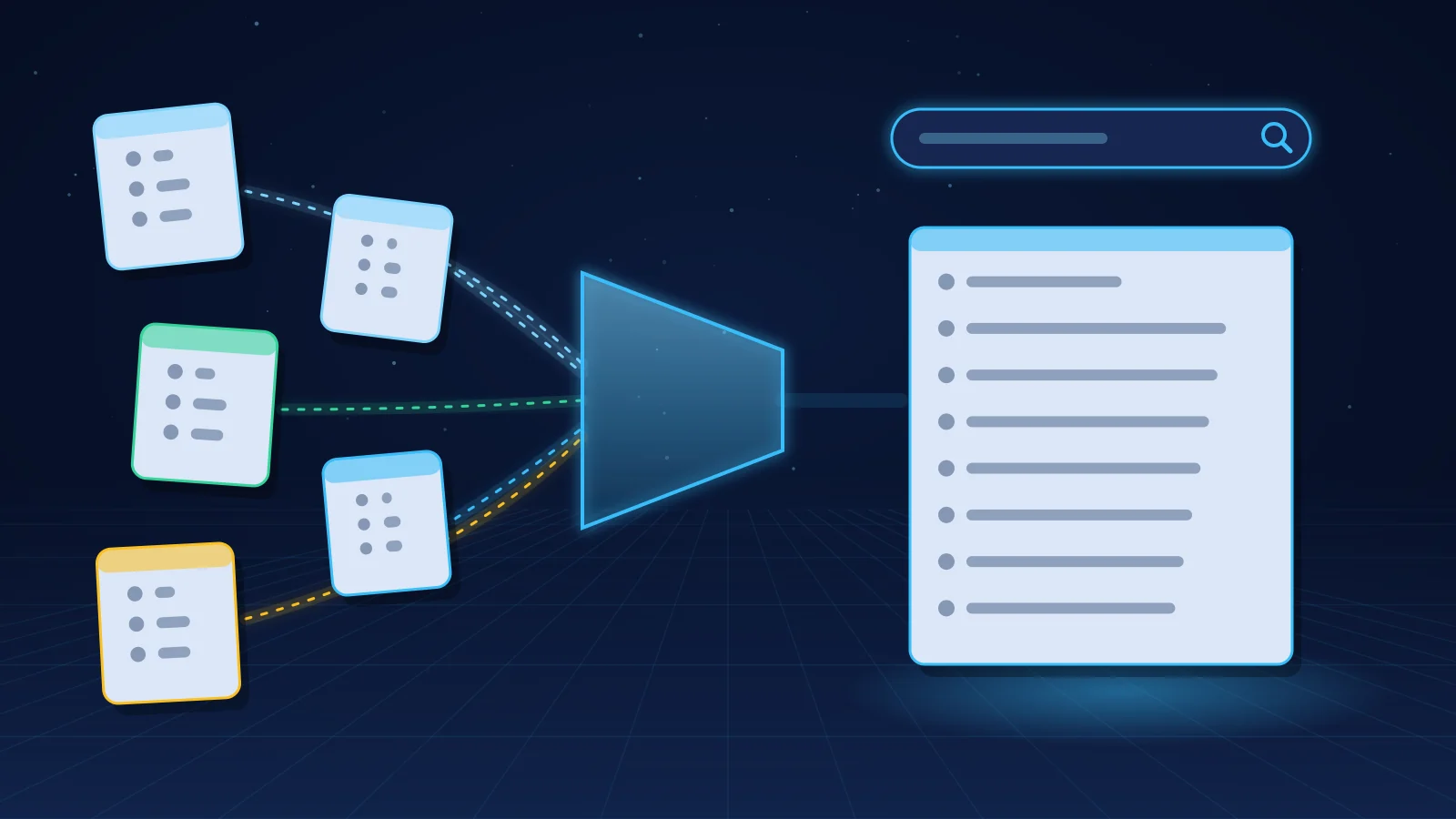
The CSL is published by the International Trade Administration (ITA), part of the US Department of Commerce. It consolidates export screening lists from the Departments of Commerce, State and the Treasury into one dataset. You can use it in three ways:
According to ITA, the tools are updated automatically every day. The CSL depends on each agency publishing its updated files.
Which lists the CSL includes
As listed on the ITA page when this guide was researched:
Commerce (BIS): Denied Persons List, Entity List, Unverified List and Military End-User List.
State: AECA Debarred List (ITAR) and Nonproliferation Sanctions.
Treasury (OFAC): the Specially Designated Nationals (SDN) List and OFAC's non-SDN lists, including the Sectoral Sanctions Identifications List and the Foreign Sanctions Evaders List.
ITA also notes that, as of 1 October 2026, its Nonproliferation Sanctions entry does not include persons designated by the State Department under "ACN-led programs"; those persons appear on OFAC's SDN List instead. Notes like this change over time, so read the current source notes on the CSL page.
How online sellers use the CSL
Manual search for low volumes. If you receive a handful of international or B2B orders a week, you can search each buyer, recipient and company name in the CSL search engine before shipping. Record the date, the names searched and the result, for example with a screenshot or a note in the order. Search name variants too: a person can appear under a different spelling or an alias.
Downloaded files or the API for automation. Larger stores, or developers building their own checks, load the CSL files or call the API and compare order data automatically. That turns screening into a step that happens on every order rather than when someone remembers.
Through a screening tool. Many commercial screening tools include the CSL among their sources. If you use one, check which CSL lists it actually loads and how often it refreshes them.
Check the API's status before you rely on it
In 2025, ITA posted a notice that the CSL API and search engine had not been updating consistently from the source files since 21 April 2025. The notice said entries added or changed after that date might be missing, and pointed users to the original source lists. When this guide was researched, the main CSL page did not show that notice, and we could not confirm whether the issue was fully resolved.
Before you build on the API, or rely on the search engine for recent designations:
check the CSL page and the API documentation for current notices;
for recent additions, confirm against the source lists on the BIS, State and OFAC websites;
record which source and date you screened against, so you can show what you knew at the time.
Where the consolidated screening list stops
The CSL is useful, but it does not cover everything an online store may need.
US lists only. It does not include the UN Security Council Consolidated List, the EU consolidated financial sanctions list, the UK Sanctions List or any other national list. EU and UK stores in particular need those sources. See which denied party screening lists an online store should check.
Not every list you may need. The CSL brings together a defined set of lists. It is not a complete inventory of every restriction that can apply to a transaction. Check the source notes, and add other lists if your business needs them.
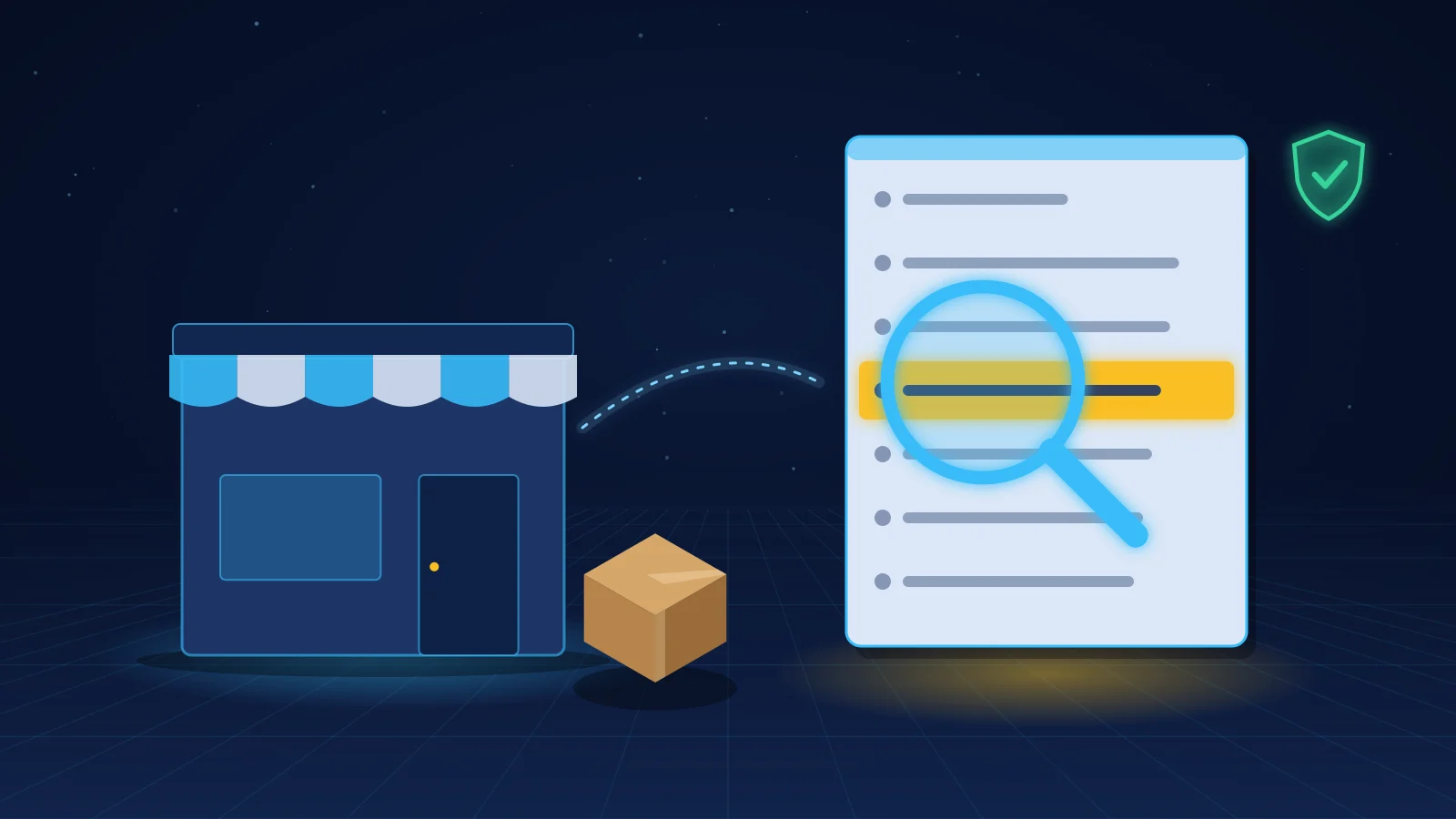
A hit is not a verdict. The CSL is a screening aid. Before you decide, compare the order details with the full entry on the official list, including aliases, addresses and identifiers.
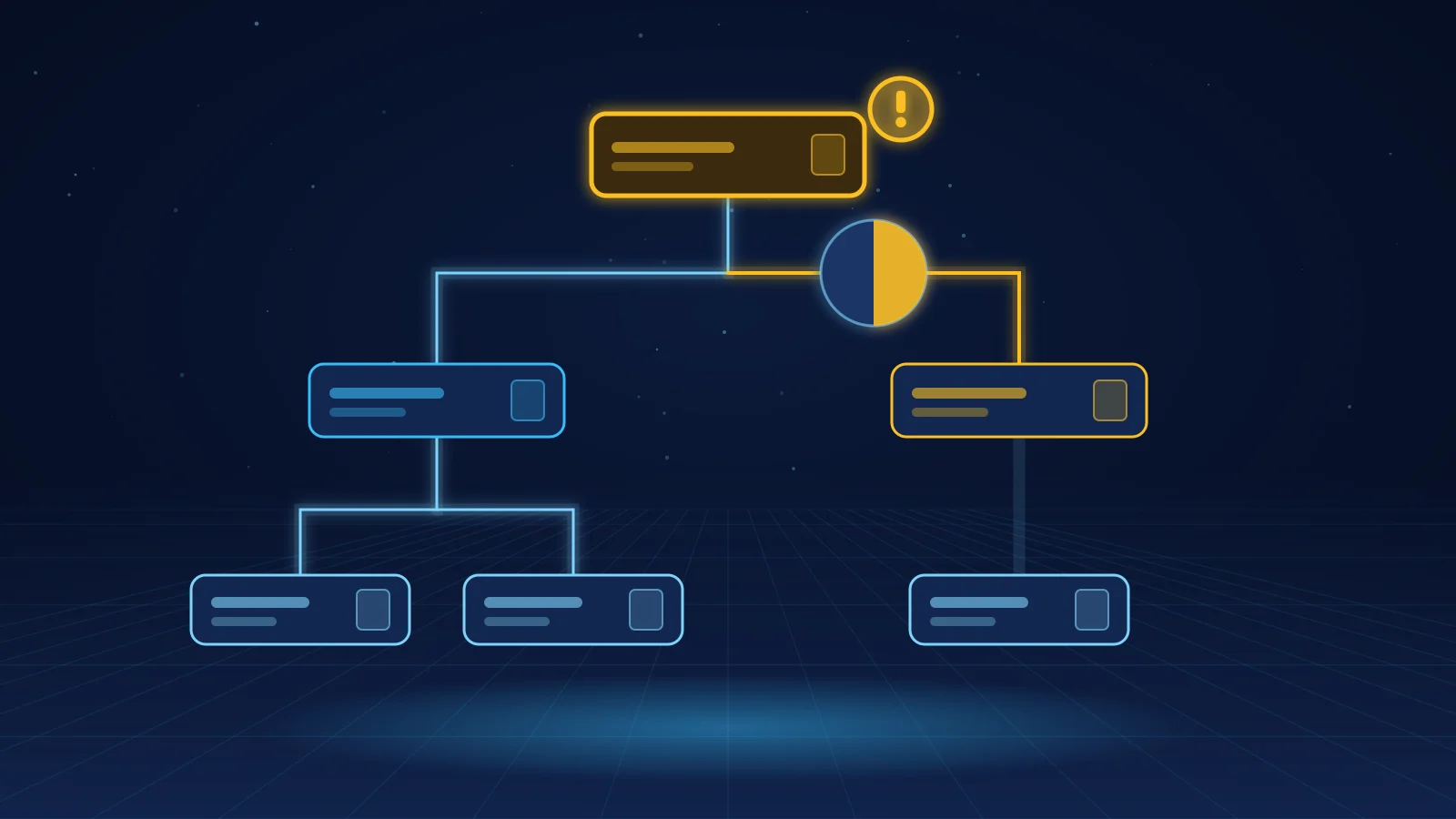
A clear result does not settle export questions. It does not tell you whether your product needs an export licence, whether the destination is embargoed or whether the end use is a concern. It also cannot detect ownership links. Entities owned by a listed party may not be listed themselves; see the BIS Entity List check guide and the Affiliates Rule.
No records for you. The search engine does not keep a record of your checks. You must keep your own evidence.
What to do with a CSL hit
Treat it like any other potential match:
Hold the order before fulfillment.
Open the full entry on the source list named in the result.
Compare the full name, aliases, address, country and any identifiers.
Decide whether it is a false positive, a confirmed match or unresolved, and do not ship unless it is cleared.
Record the decision, the reviewer and the date.
What a match means depends on the list. A Denied Persons List match generally bars export transactions with that party. An Entity List match depends on the entry's licence requirement and whether your item is subject to US export rules. An SDN match generally prohibits dealings. The comparison of denied party, restricted party and sanctions screening explains the difference. For handling the many near-matches common names produce, use the false-positive guide.
Combining the CSL with other sources
A practical setup for an online store combines the CSL, or the underlying US lists, with the UN, EU and UK lists. It runs on every order and holds fulfillment on a potential match. The software buyer's guide covers what to check when choosing a tool.
On Shopify, the MatchAudit app includes a selectable US BIS / Trade.gov Consolidated Screening List source alongside OFAC, UN, EU, UK, Canadian, Australian and EU member-state lists. It records each review.
Frequently asked questions
What is the Consolidated Screening List?
It is a free dataset published by the US International Trade Administration. It combines export screening lists from the Departments of Commerce, State and the Treasury into one search engine, downloadable files and an API.
Is the Consolidated Screening List free to use?
Yes. The search engine, the downloadable files and the API are published by the US government at no charge.
Does the CSL include EU and UK sanctions lists?
No. It covers US lists only. Stores with EU or UK exposure need to screen against the EU consolidated financial sanctions list and the UK Sanctions List separately.
Is a CSL search enough for export compliance?
No. It helps you identify listed parties, but it does not determine whether your product needs a licence, whether the destination is restricted or whether an owned entity is caught. Confirm hits against the source list and keep your own records.
How often is the Consolidated Screening List updated?
ITA says its tools are updated automatically every day, based on the files the agencies publish. Check the CSL page for any notice about delays, and confirm recent designations on the source lists.
Researched 18 November 2026. This is an operational guide, not legal advice or a determination that any particular transaction is lawful.
How B2B online sellers run a BIS Entity List check, what a match means, and where the 50% Affiliates Rule stands while its suspension runs.