Denied Party Screening for Online Stores: The Complete Guide | MatchAudit Learn
Denied Party Screening for Online Stores: The Complete Guide
Denied party screening for online stores: who to check, which lists apply, when to screen, how to handle a match and which records to keep before you ship.
•9 min read
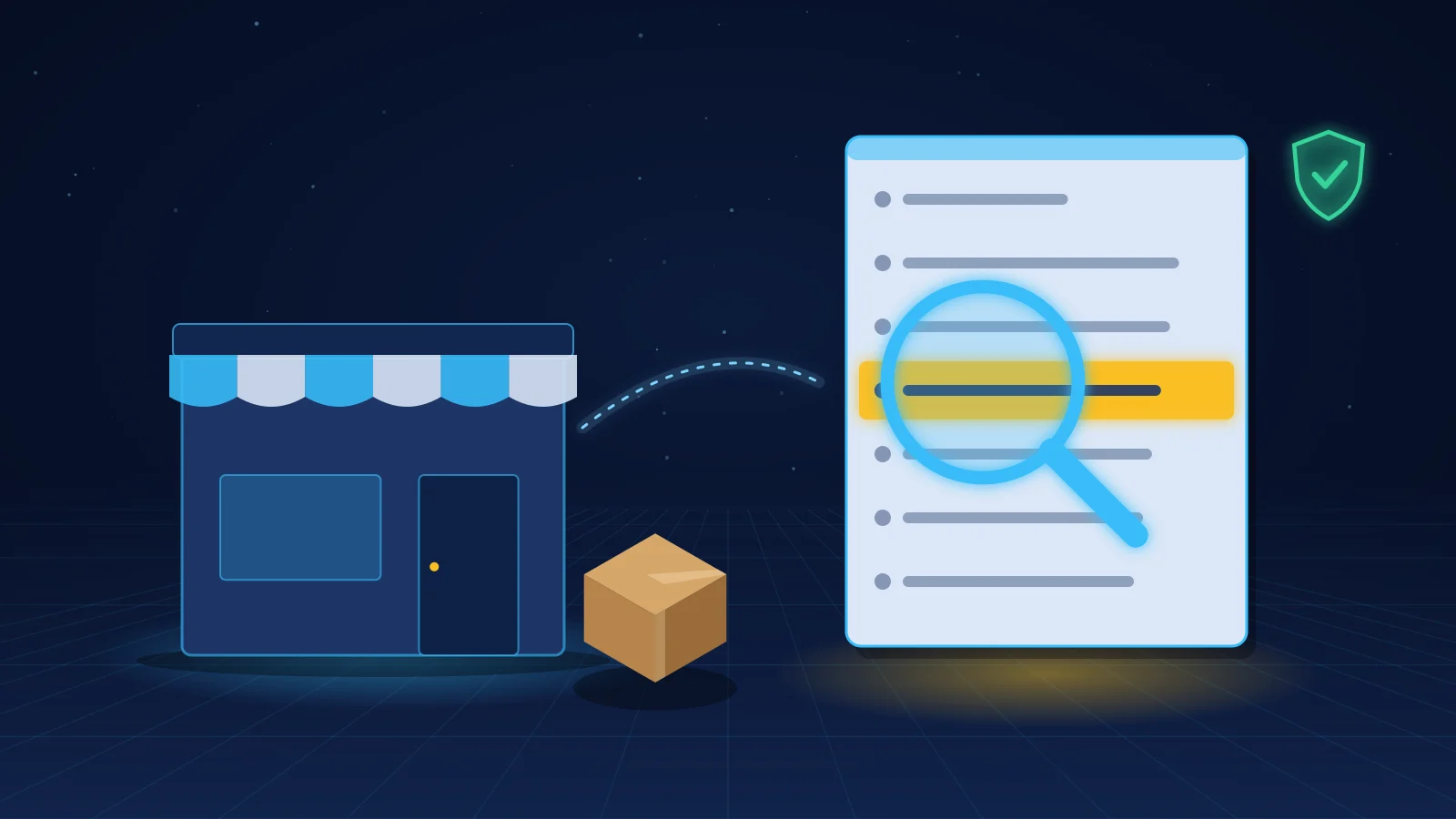
Denied party screening means checking the people and companies in an order against official lists of parties you may not deal with, or may only deal with under conditions, before you take payment or ship. For an online store that usually means the buyer, the recipient, the billing name and, on business orders, the company. A match is not a verdict. It starts a short, recorded review: hold the order, compare the details, decide, and keep the file.
This guide explains denied party screening for merchants on Shopify, WooCommerce, BigCommerce and marketplaces. It covers who to screen, which lists matter, when to run the check, what to do with a potential match and which evidence to keep. It is an operational guide, not legal advice. Your obligations depend on where your business is, what you sell, who buys it and where it goes.
What denied party screening means for an online store
Governments publish lists of persons, companies and organisations that are subject to sanctions or export restrictions. Some lists freeze assets and prohibit almost any dealing. Others restrict exports of certain items to the listed party unless a licence is granted. "Denied party screening" is the common trade name for checking your counterparties against those lists. You will also see "restricted party screening" and "sanctions screening". They overlap heavily; the comparison of the three terms explains where they differ.
For a store, the practical question is simple: before goods or digital access leave your control, do you know that none of the parties involved is on a list that applies to you? Sanctions and export rules generally do not prescribe a screening method. Screening is how most businesses meet the underlying prohibitions and show that they took care. If you want the broader reasons first, read why companies need to do sanctions checks.
Who to screen in an order
Screen every party whose identity matters to the transaction, not just the person who paid.
Customer account name: the person or business that placed the order.
Billing name: this can differ from the account holder, for example when someone else pays.
Shipping recipient: the person or company named on the delivery address.
Company name: for B2B orders, the buying entity and, where you know it, the end user.
Intermediaries: a freight forwarder or reshipping service named as the delivery point. It is a party to understand, not a substitute for knowing the final recipient. The covers that case.
Screen addresses and destinations as well as names. A listed party can use an address in a country you normally serve, and a clean name can still be shipping to a restricted region. Country rules alone are not enough; the country blocking guide explains why a geographic filter and party screening solve different problems.
Which lists to check
The right list set depends on your exposure. Most online stores start with:
United States: OFAC's Specially Designated Nationals (SDN) List and its non-SDN lists, plus export-control lists such as the BIS Entity List, Denied Persons List, Unverified List and Military End-User List.
United Nations: the UN Security Council Consolidated List.
European Union: the EU consolidated list of persons, groups and entities subject to financial sanctions, plus national lists in some member states.
United Kingdom: the UK Sanctions List. Since 28 January 2026 it is the only source of UK designations; the former OFSI Consolidated List has closed.
Other regimes where you have customers or a legal connection, such as Canada, Australia or Switzerland.
US rules can matter even if you are not based in the US. They bind US persons and can reach transactions that involve US dollars, US banks, US payment processors or US-origin items. Your own country's regime applies in any case.
When to screen: checkout, before fulfillment and rescreening
Timing decides whether screening can stop anything. A result that arrives after the parcel has left only tells you what went wrong.
At or just after checkout. Screen as soon as the order exists. Many stores do this automatically when the order is created. If you capture payment manually, screening before capture avoids refunding a payment you should not have taken.
Before fulfillment. This is the control point that matters most. A potential match must stop the order from reaching your warehouse, 3PL or dropshipping supplier until someone decides. Test this handoff end to end: an app can flag an order while an automatic fulfillment rule still releases it. The guide on stopping auto-fulfillment for risky orders shows what to check.
When details change. Re-screen if the customer edits the shipping address, adds a company name or changes the recipient after checkout.
When lists change. Lists are updated frequently. A customer who was clear last month can be designated today. Re-screen open orders and repeat customers when the lists you rely on change, and decide how far back you look. Retroactive screening of recent orders is also a sensible first step when you start screening for the first time.
What to do with a match: hold, review, decide, record
Most potential matches are not the listed party. Common names, partial matches and transliterated spellings produce false positives. Your process should resolve them quickly without waving through a real hit.
Hold. Stop fulfillment and, if possible, payment capture. Do not tell the customer that they matched a sanctions list; ask for routine details if you need them.
Review. Compare the order details with the list entry: full name, aliases, date of birth or registration number where available, address and country. Open the entry on the official source rather than relying on a summary.
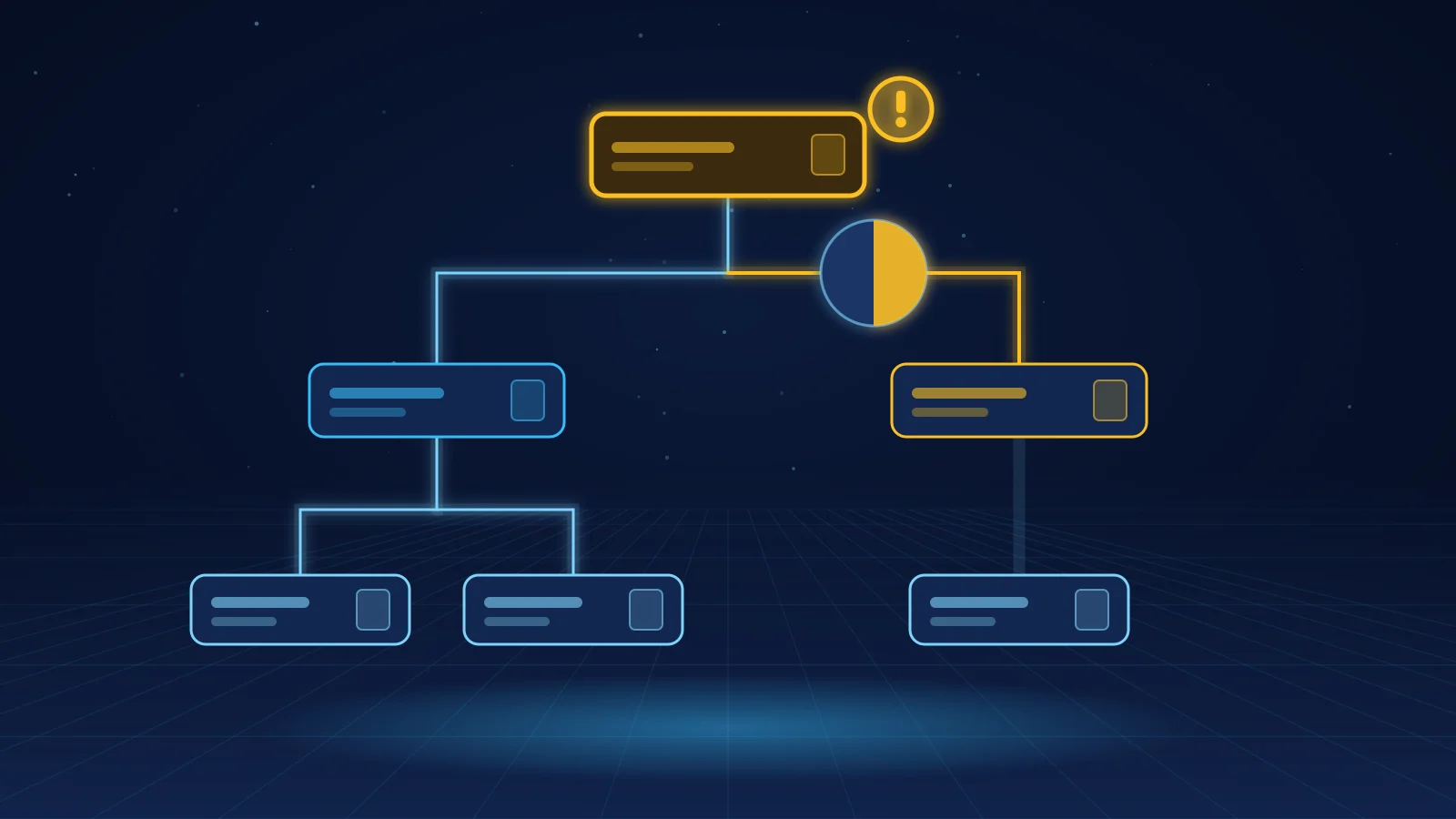
Decide. Record one of three outcomes: false positive (release), confirmed or unresolved (do not ship), or escalate for advice. Unresolved is a valid outcome. If you cannot rule out a match, do not release the order on hope.
Record. Write down who decided, when, which list and entry you compared, which details ruled the match in or out, and what happened to the order.
If a match is confirmed, stop the transaction and get legal advice before you refund, cancel or contact the customer. Some regimes require reporting or freezing, and the steps differ by jurisdiction. For tuning the review step, see how to prevent false positives in sanctions screening.
What evidence to keep
If a bank, payment provider, auditor or authority asks how you handled an order, you need more than "we checked". Keep, for each screened order:
the names, addresses and countries that were screened;
the lists checked, with the list version or date;
the result, including any potential matches;
the reviewer, the decision, the reason and the timestamp;
what happened to the order (released, cancelled, refunded, escalated).
Retention periods differ. For transactions subject to OFAC's regulations, recordkeeping is 10 years under a final rule effective 21 March 2025. It matches the 10-year statute of limitations introduced by the 21st Century Peace through Strength Act in April 2024. Export records under the EAR and ITAR remain subject to a 5-year retention period. Check the rules that apply to you and set one retention policy that covers the longest relevant period.
On 8 July 2020, Amazon settled with OFAC for $134,523. Between 2011 and 2018, it processed orders and other transactions linked to Crimea, Iran and Syria. According to OFAC's enforcement notice, its automated screening missed address details such as "Yalta, Krimea". In several hundred cases it also missed correctly spelled SDN names. OFAC rated the case non-egregious, and Amazon voluntarily self-disclosed it.
Three lessons apply to any store:
Screen addresses and regions as well as names. A destination can be restricted even when the name is clean.
Plan for spelling variants. Place names and personal names appear in many transliterations.
Test that screening runs on every order type. Gaps often sit in a channel, payment method or order flow nobody tested.
Carriers, payment providers and platforms do not screen for you
Many merchants first meet denied party screening when a carrier holds a parcel. DHL Express screens every shipment for its own compliance, not on behalf of its customers. It can hold parcels when names or addresses are incomplete or resemble a listed party. That check protects the carrier. It does not replace your screening, and it happens after you have already sold and packed the goods. For what to do when a parcel is stuck, see why carriers hold packages for compliance screening.
Payment providers screen for their own obligations as well. Platforms set their own rules: Shopify's Acceptable Use Policy requires merchants to comply with sanctions and export controls and prohibits orders shipping to unsupported countries and regions. Neither gives you a documented decision about your buyer.
How to set up denied party screening on your platform
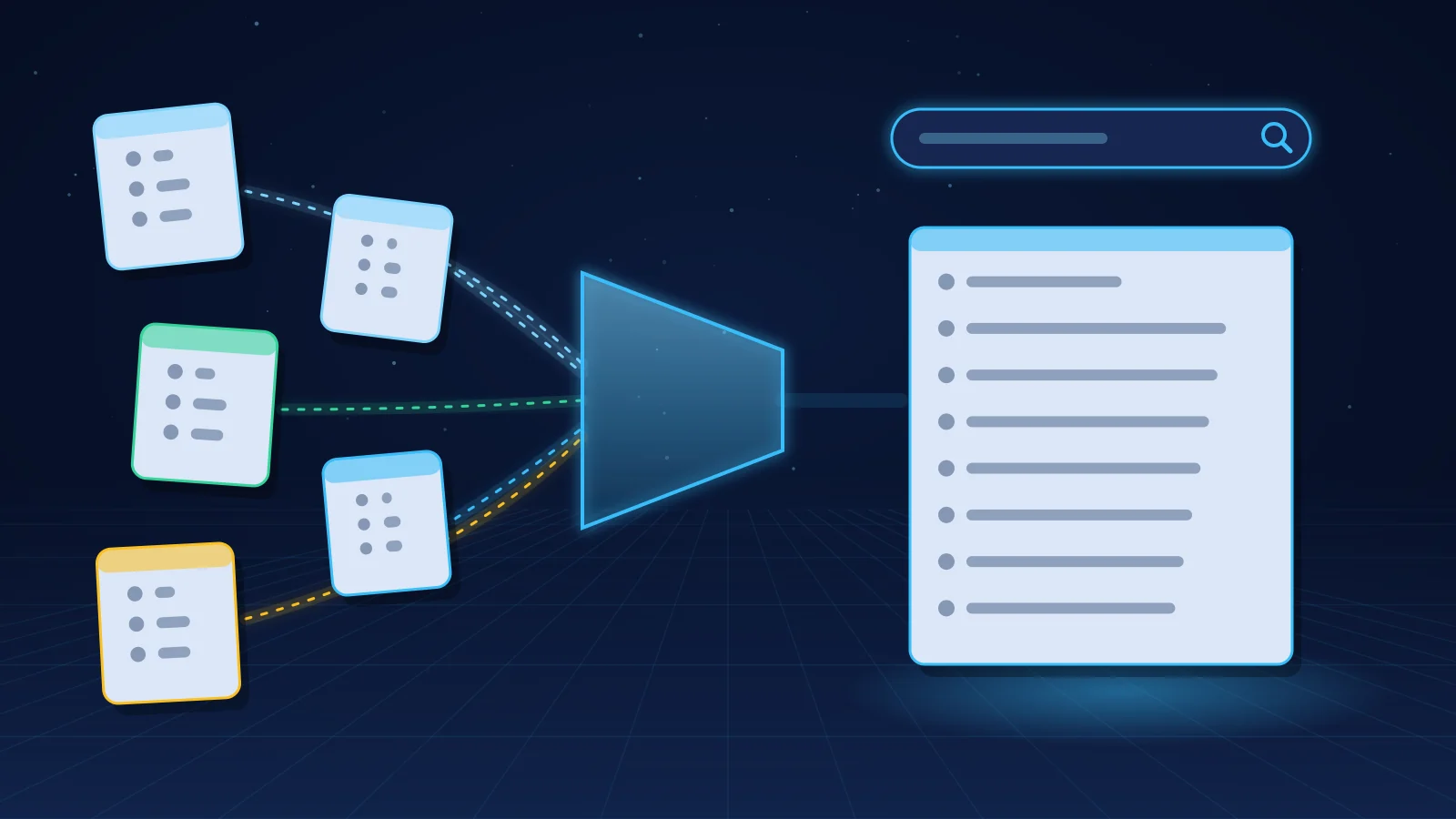
A workable setup has four parts: a list set, an automatic check on every order, a hold that actually stops fulfillment, and a review record.
Low volume: search the official tools manually, such as OFAC's Sanctions List Service and the Consolidated Screening List, and record each result. It works, but it is easy to skip on a busy day.
One option for Shopify stores is the MatchAudit app. It screens customers and orders against OFAC, UN, EU, UK, Canadian, Australian and EU member-state sanctions and denied-party lists, plus country-risk lists. It holds fulfillment on a match, routes the order to a reviewer in Shopify admin, exports evidence and can screen past orders. Whatever tool you use, you remain responsible for the decision.
Frequently asked questions
What is denied party screening?
It is checking the parties to a transaction, such as buyers, recipients and companies, against government lists of sanctioned or export-restricted parties before you complete the sale or ship. A potential match is reviewed and the decision is recorded.
Do small online stores need denied party screening?
There is generally no small-business exemption from sanctions and export prohibitions. The rules usually do not prescribe a method, but screening is the practical way to avoid dealing with listed parties and to show that you took care.
Why is my DHL shipment on hold for denied party screening?
DHL Express screens every shipment for its own compliance. It can hold a parcel when the recipient's name or address resembles a listed party, or when the name or address is incomplete. Follow DHL's request for information. Carrier screening does not replace your own check before you ship.
How often should I re-screen customers?
Screen every new order and re-screen when order details change. Also re-screen open orders and repeat customers when the lists you use are updated, because a party can be designated after their first purchase.
What should I do if a customer matches a denied party list?
Hold the order, compare the full details with the official list entry and record your decision. If you cannot rule out the match, do not ship. If the match is confirmed, get legal advice before you refund, cancel or contact the customer.
Researched 18 November 2026. This is an operational guide, not legal advice or a determination that any particular transaction is lawful.
How B2B online sellers run a BIS Entity List check, what a match means, and where the 50% Affiliates Rule stands while its suspension runs.