Denied Party Screening for WooCommerce, BigCommerce and Marketplace Sellers | MatchAudit Learn
Denied Party Screening for WooCommerce, BigCommerce and Marketplace Sellers
Denied party screening for WooCommerce, BigCommerce and Amazon or other marketplace sellers: what each platform covers, the gaps and a process that works.
•5 min read
Denied party screening works the same way on every platform: check the buyer, recipient and company on each order against sanctions and denied-party lists, hold fulfillment on a potential match, decide and record. What differs is how much your platform helps and where the gaps sit. WooCommerce and BigCommerce stores usually need to add screening themselves. Marketplace sellers often depend on what data the marketplace shares.
This guide covers denied party screening for WooCommerce, BigCommerce and marketplace sellers such as those on Amazon. For the general process, start with the complete guide to denied party screening.
What every platform has in common
Whichever platform you use, the obligations sit with your business, not the software. Sanctions and export rules apply to the seller according to where it is established, how it is paid, what it sells and where it ships. Platforms, payment providers and carriers screen for their own obligations, and their checks do not give you a documented decision about your buyer. The complete guide covers who to screen and which lists to use; the lists guide helps you choose the set.
The minimum process on any platform:
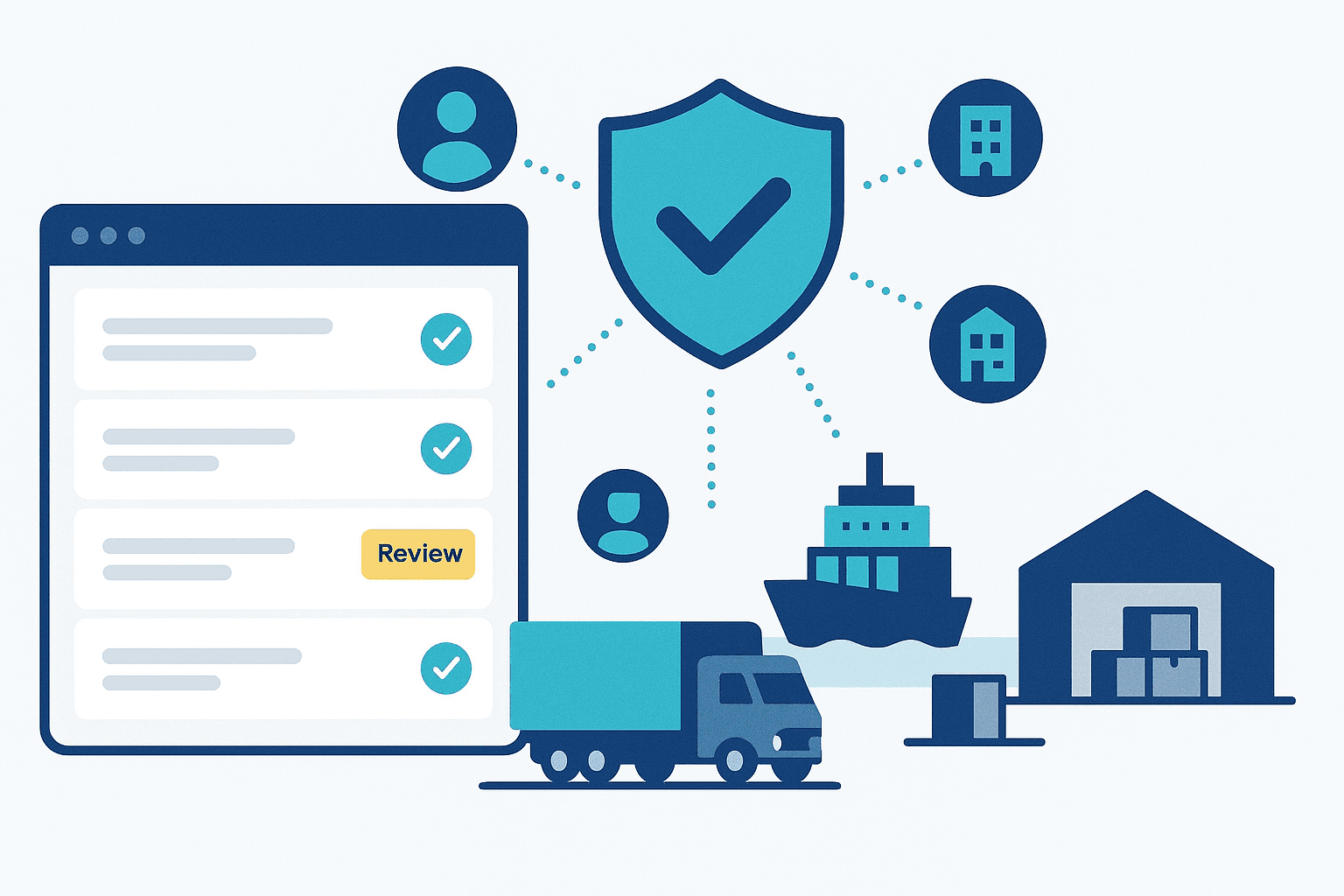
Screen customer, billing, shipping and company names, plus the destination region, on every order.
Hold fulfillment on a potential match.
Review against the full list entry, decide and record.
Re-screen open orders and repeat customers when lists change.
Denied party screening for WooCommerce stores
WooCommerce is open-source and self-hosted, so screening depends on the extensions and integrations you add.
The official extension is no longer sold. WooCommerce.com listed a "US Export Compliance" extension that checked customer data against US export screening lists when an order was placed. According to its documentation, a match held the order for manual review and emailed the shop manager. The documentation now says the product is no longer available on WooCommerce.com and will no longer be updated. Existing users should plan a replacement: an unmaintained extension can stop updating its lists without telling you.
Options today:
a third-party screening plugin from the WordPress or WooCommerce ecosystem; evaluate it carefully;
an external screening API called from an order hook, for example when the order status changes to processing;
manual searches of official tools for low volumes.
Things to check in a WooCommerce setup:
Does screening run before the order reaches your fulfillment plugin, 3PL or dropshipping integration?
Does a potential match change the order status to one your fulfillment flow ignores, such as on-hold?
Are guest checkouts screened, not just registered customers?
Are records stored somewhere you will still have them in 10 years, the OFAC recordkeeping period?
Sanctions screening on BigCommerce
BigCommerce is a hosted platform with an app marketplace and APIs. Its app marketplace changes over time, so check it for current screening apps rather than relying on a list in an article. Evaluate any app with the criteria in what to look for in denied party screening software.
If no app fits, a screening API can be connected through BigCommerce's order webhooks. The same questions apply: does a match stop fulfillment, are all the parties screened, and where is the record kept?
Denied party screening for Amazon and other marketplace sellers
Marketplaces such as Amazon, eBay and Etsy run their own compliance controls. Those controls protect the marketplace and may block some transactions. They do not hand you a documented screening decision. Read your seller agreement for what the marketplace expects of you.
The Amazon case shows why marketplace screening is not a guarantee. On 8 July 2020, Amazon settled with OFAC for $134,523. Between 2011 and 2018 it had processed orders linked to Crimea, Iran and Syria. According to OFAC's enforcement notice, its screening missed "Yalta, Krimea". It also missed correctly spelled SDN names in several hundred cases. OFAC rated the case non-egregious, and Amazon voluntarily self-disclosed it. If a large operator's screening had gaps, a seller should not treat the marketplace's checks as covering them.
What marketplace sellers can do:
Screen the data you receive. If you fulfil orders yourself, you see the recipient's name and address. Screen them before you ship.
Know what you cannot see. If the marketplace fulfils the order, you may see less buyer data. Record which channels you screen and which rely on the marketplace.
Screen your B2B buyers and partners. Business buyers, distributors and suppliers you deal with directly are your counterparties.
Keep your own records of what you screened and decided.
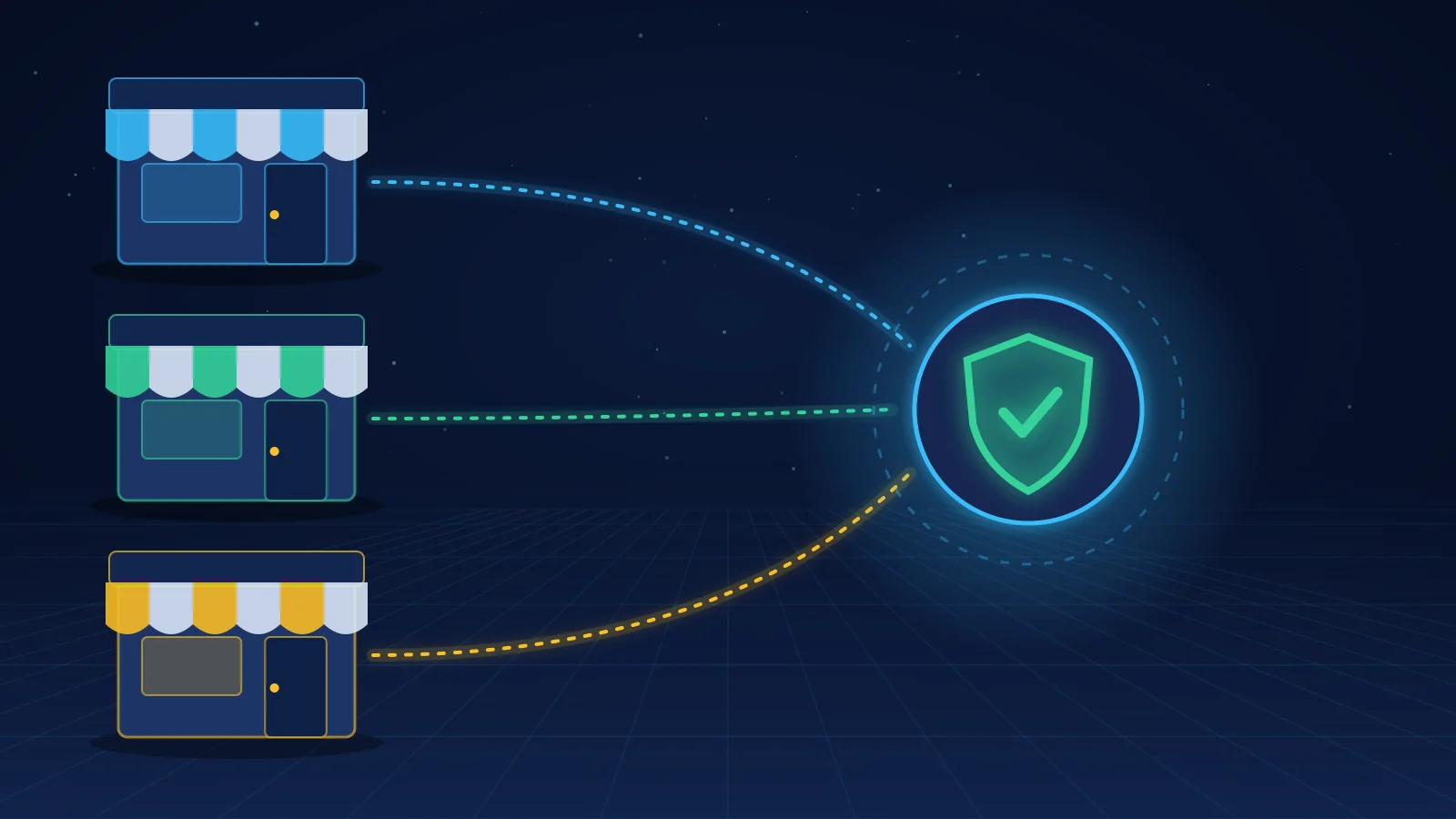
Many merchants sell through a store, one or two marketplaces and wholesale at the same time. Screening that only covers one channel leaves gaps. Two approaches work:
One screening service for all channels, fed from your order management system before orders reach fulfillment.
A platform tool per channel, with a shared list policy and one place where decisions are recorded.
Either way, document which channels are covered and test each one with a synthetic order.
If one of your channels is Shopify, the MatchAudit app screens Shopify orders and customers against sanctions and denied-party lists plus country-risk lists, holds fulfillment on a match and records the review. The Shopify guide explains the setup.
Frequently asked questions
Does WooCommerce have built-in denied party screening?
No. WooCommerce.com listed a US Export Compliance extension, but its documentation now says it is no longer available and will no longer be updated. Use a maintained plugin, an external screening API or manual checks.
Do Amazon sellers need to screen their buyers?
If you fulfil orders yourself, screen the recipient details you receive, and screen business buyers and partners you deal with directly. The marketplace's own checks do not give you a documented decision. Read your seller agreement for its requirements.
How do I add sanctions screening to BigCommerce?
Look for a current screening app in the BigCommerce app marketplace, or connect a screening API through order webhooks. Make sure a potential match stops fulfillment and that you keep a record.
What happened in Amazon's OFAC settlement?
In July 2020, Amazon paid $134,523 to settle apparent violations involving orders linked to Crimea, Iran and Syria between 2011 and 2018. Its screening missed place-name variants and, in several hundred cases, correctly spelled SDN names.
Can one screening tool cover several sales channels?
Yes, if it receives orders from every channel before fulfillment. Many merchants feed a single screening service from their order management system.
Researched 18 November 2026. This is an operational guide, not legal advice or a determination that any particular transaction is lawful.
Sanctions Screening for Merchant Onboarding: The PSP Checklist That Survives File Reviews
A practical, audit-ready sanctions screening workflow for PSPs, acquirers, and marketplaces—covering who to screen, when to screen, how to reduce false positives, and what evidence to store for bank partner and auditor reviews.